


- Most creator apps lose 60 to 80 percent of installs in the first 30 days. The first 90 days set the retention curve for the next two years.
- Launch traffic is a one-shot resource. Use it for App Store reviews, paid trial signups, and content footage, not for vanity install counts.
- Pricing, paywall placement, and the trial-to-paid handoff almost always need a second pass by day 60. Plan for it.
- Apple Editorial reads a 90-day signal. Featured placement decisions are made on retention and rating quality, not launch-week downloads.
- Every move below maps to one of three goals: keep users, convert them, or generate content the creator can post about all year.
Why Do the First 90 Days Matter So Much for a Creator App?
1. Lock the Launch-Week Content Calendar Before Day One
2. Pick One North-Star Metric and Read It Daily for 30 Days
3. Get 50 Real App Store Reviews in the First 30 Days

Our work
How Liv Merima Turned Daily Affirmations Into the Claim It App
Liv Merima's affirmations lived in the feed. We built Claim It with her — an iOS app where her voice, her prompts, and journaling become a daily practice.
Read the case study → (opens in a new tab)4. Ship a Real Update by Day 14
5. Run the Pricing and Paywall Re-Test by Day 30
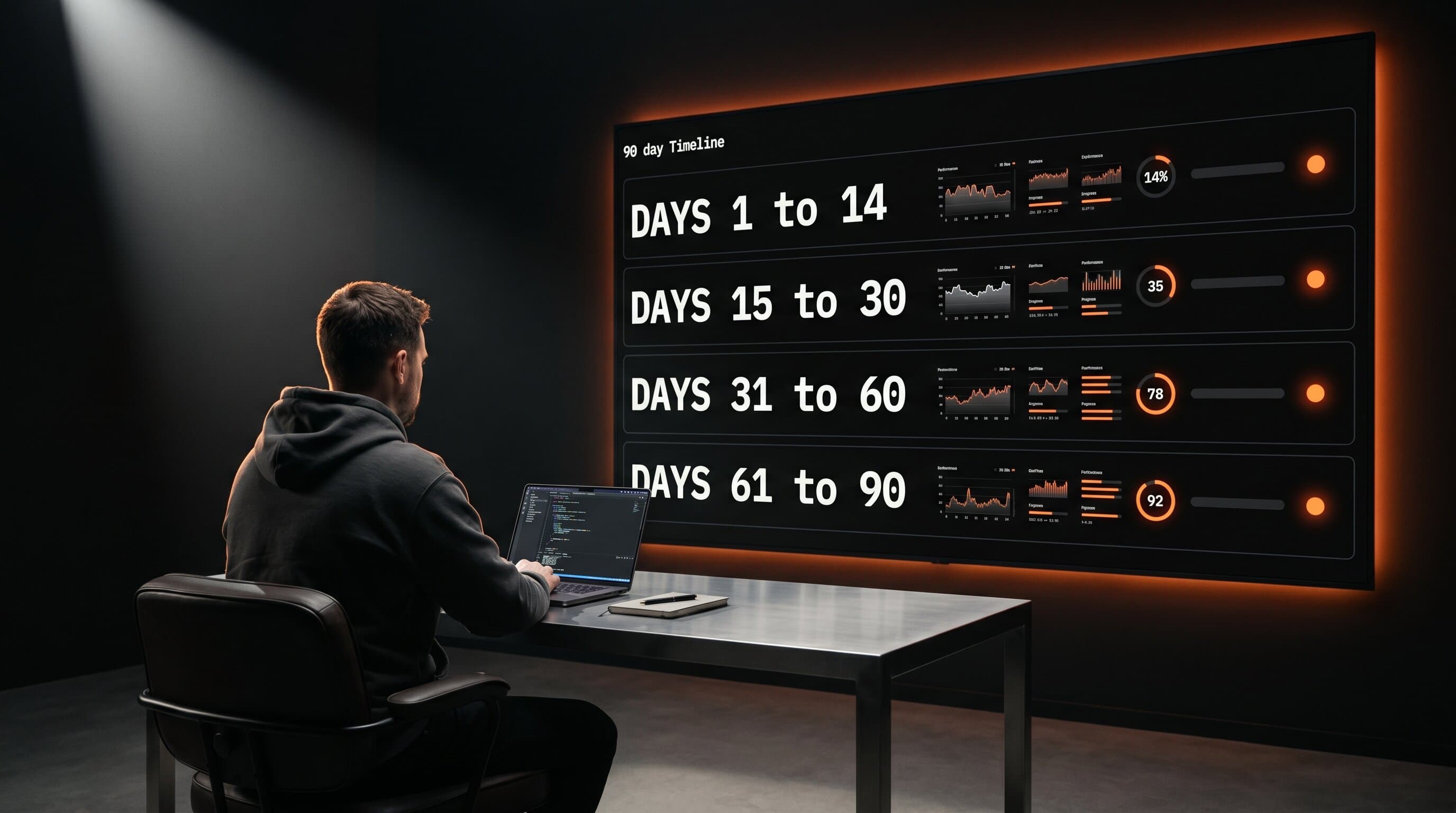
| Window | Primary goal | One thing to watch |
|---|---|---|
| Days 1 to 14 | Launch content, real reviews, first update | Trial start rate |
| Days 15 to 30 | Paywall and pricing pass, churn forecast | Trial-to-paid conversion |
| Days 31 to 60 | Retention, push, content loop | Day-30 retention |
| Days 61 to 90 | Editorial pitch, second feature, second update | Rating count and quality |
6. Build the Push Notification and Email Skeleton in Month Two
7. Run the Content Loop Twice a Week, Minimum

The app is supposed to write your content for you.
See What We’d Build You →
8. Pitch Apple Editorial Between Day 60 and Day 90
Live every Thursday
Watch us tear down a creator business, live
Every Thursday at 11 AM PT we take a real creator business and show the app hiding inside it: the wedge, the paid loop, the pricing, and what would sink it. Free, and the replay goes to everyone who registers.
Save your seat → (opens in a new tab)9. Run the 90-Day Review and Decide What You Are Doubling Down On
How Much Do These First 90 Days Actually Move the Business?
90-Day Move Cheat Sheet
| # | Move | Window | Why it matters |
|---|---|---|---|
| 1 | Lock launch-week content calendar | Pre-launch | Launch novelty is a one-shot resource |
| 2 | Pick a north-star metric, read daily | Days 1 to 30 | Daily readers catch problems in 48 hours |
| 3 | 50 real App Store reviews | Days 1 to 30 | Review velocity drives search ranking |
| 4 | Ship a real update | Day 14 | Signals an active product to Apple and users |
| 5 | Re-test pricing and paywall | Day 30 | Launch paywall is always a guess |
| 6 | Build push and email skeleton | Days 31 to 60 | Lifecycle drives 5 to 10 percent of MRR |
| 7 | Twice-weekly content loop | Days 31 to 90 | App-generated content feeds App Store discovery |
| 8 | Pitch Apple Editorial | Days 60 to 90 | Feature is a 60-day setup, not luck |
| 9 | 90-day review and double-down | Day 90 | Sets the next two quarters of revenue |
Frequently Asked Questions
How long does it actually take to know if a creator app is going to work?
What is the right north-star metric for a creator app's first 90 days?
How many App Store reviews should a new creator app target in the first month?
When should I run my first pricing or paywall test?
Does Apple actually feature creator apps, or is that a fantasy?
See What We’d Build You →