
Turning Knowledge into Products

Apple's Subscription Paywall Rules in 2026: 7 Things Your Sign-Up Screen Must Show

October 13, 2026
Share
Apple's Subscription Paywall Rules in 2026: 7 Things Your Sign-Up Screen Must Show

Get Creator Revenue Insights

How creators are turning audiences into subscription businesses
Share
Key Takeaways:
  • Apple's Auto-renewable Subscriptions page lists what a sign-up screen must include: the subscription's name and duration, the content or services it provides, the full renewal price "shown clearly and prominently," and a way to sign in or restore purchases. The app and its App Store metadata must also link to the Terms of Use and Privacy Policy
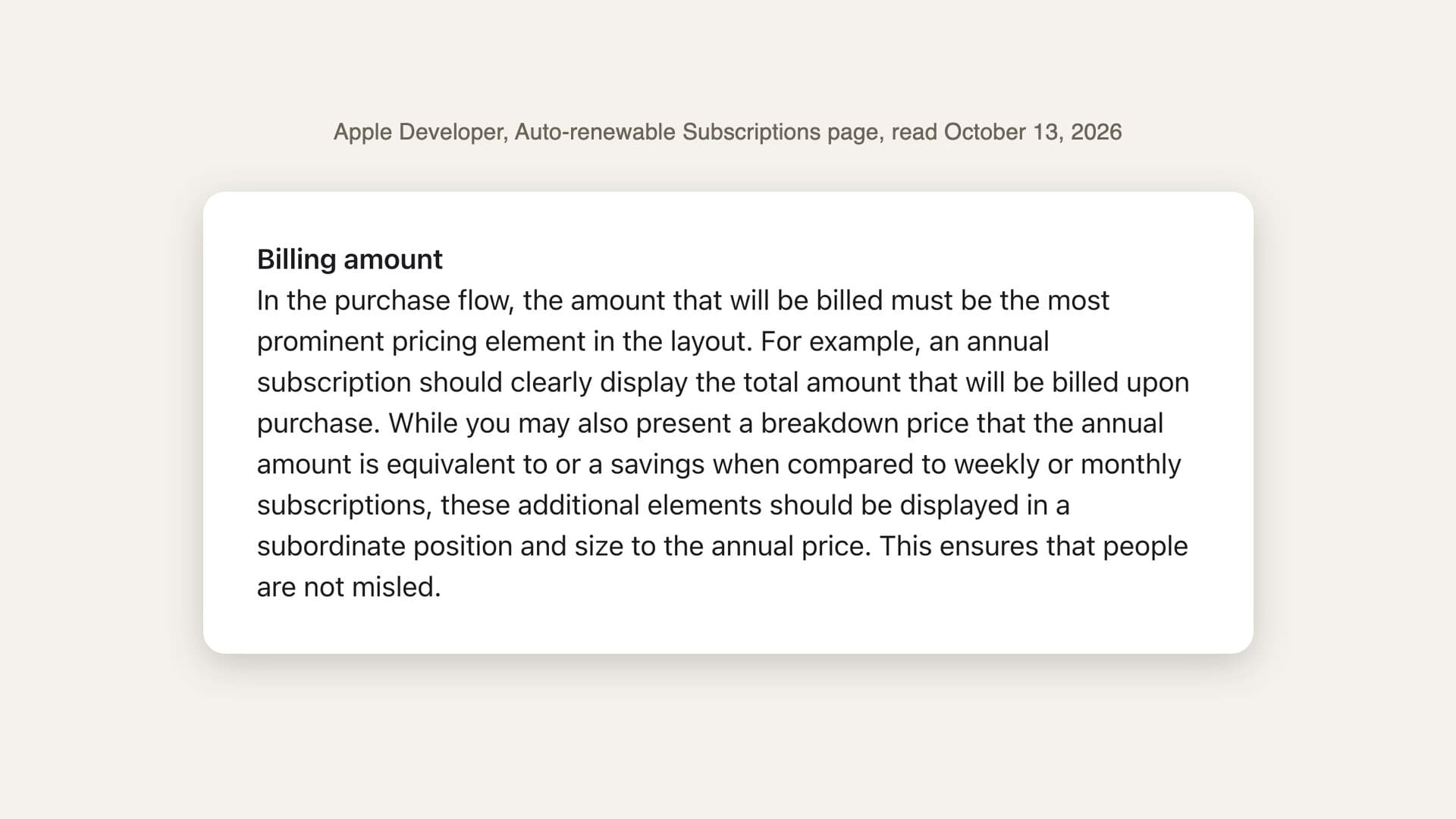
  • The same page sets a rule about size: "the amount that will be billed must be the most prominent pricing element in the layout." A $29.99 annual plan leads with $29.99. A "$2.49 a month" breakdown can appear, but only in "a subordinate position and size"
  • A free trial screen must say how long the trial lasts and what is billed after it
  • App Review Guideline 3.1.2 (last updated June 8, 2026) adds that a subscription must last at least seven days, work on all of the user's devices, and not take away features existing users already paid for
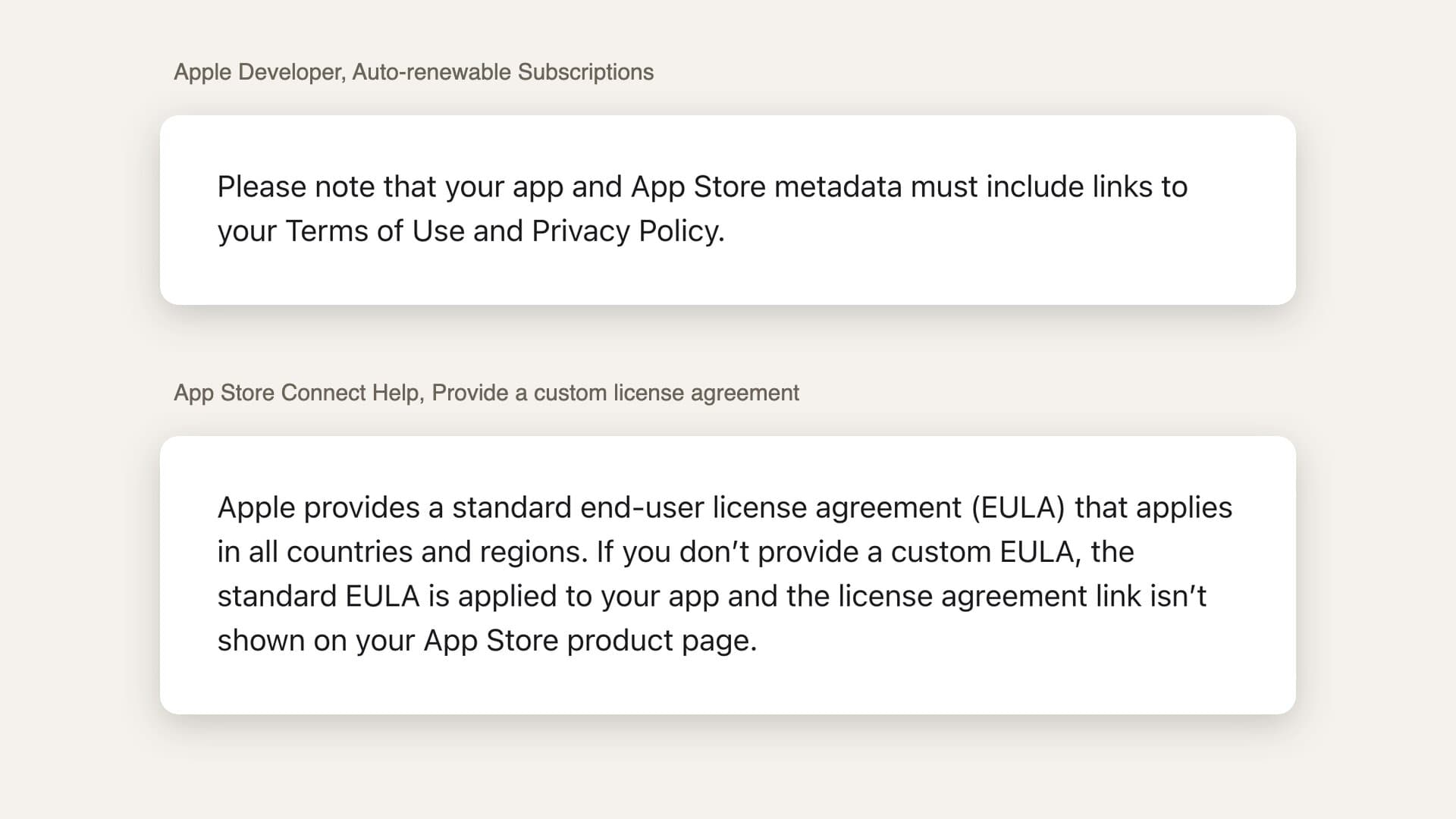
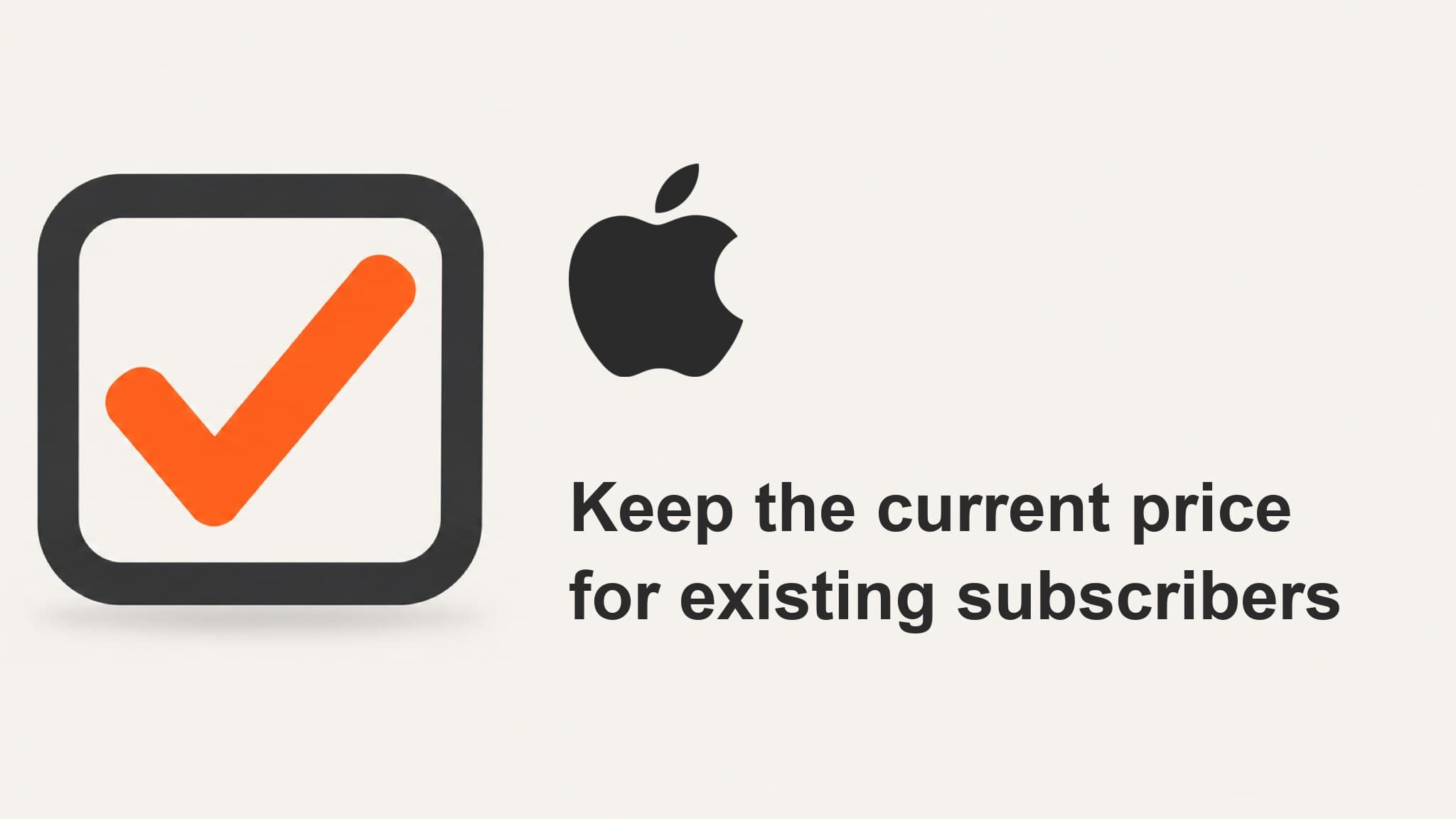
  • One trap sits between two Apple pages. If you keep Apple's standard license agreement, App Store Connect does not show a license link on your product page, but your metadata still has to link to your terms. Put the link in your app description yourself
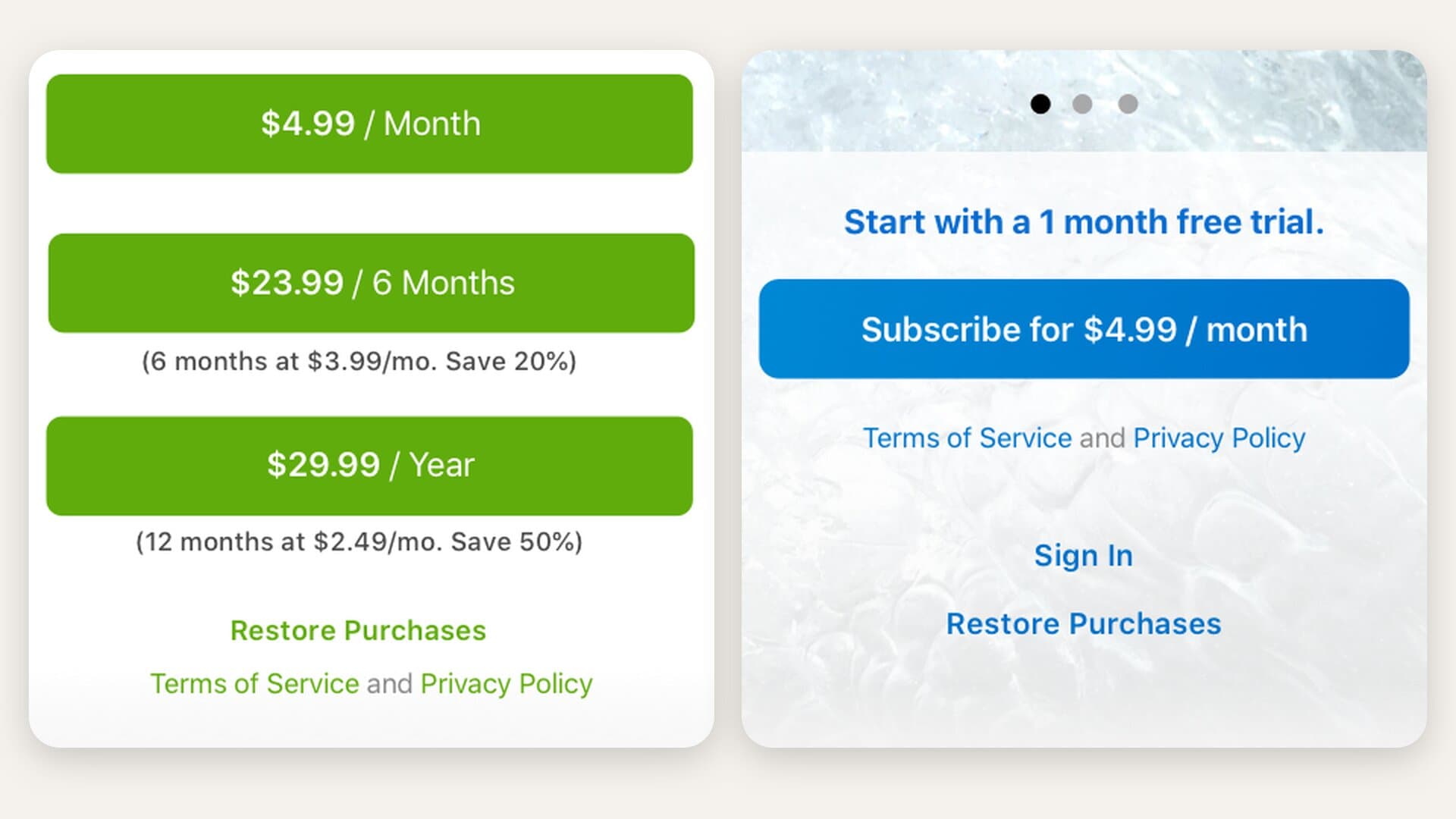
A paywall is the one screen in your app that has to do two jobs at once: persuade someone to pay, and satisfy a reviewer who has a checklist. Most of the advice about paywalls covers the first job. This guide covers the second, because Apple publishes its checklist in plain language, and a screen that fails it never reaches the people you built it for. Everything below comes from Apple's own pages, read on October 13, 2026. Apple requires every auto-renewable subscription sign-up screen to show the subscription's name and duration, the content or services it provides, the full renewal price shown clearly and prominently in local currency, and a way for existing subscribers to sign in or restore purchases. The app and its App Store metadata must also link to the Terms of Use and Privacy Policy. That list appears word for word on Apple's Auto-renewable Subscriptions page. It is the readable version of a contract term. Section 3.8(b) of Schedule 2 of the Apple Developer Program License Agreement says you must "clearly and conspicuously disclose" the subscription's title, its length, its price ("and price per unit if appropriate"), and that links to your Privacy Policy and Terms of Use "must be accessible within" your app. App Review Guideline 3.1.2(c) points reviewers at the same schedule and asks the question in a creator's terms: "How many issues per month? How much cloud storage? What kind of access to your service?" Apple illustrates its subscriptions page with sample paywalls for two made-up apps, Forest Explorer and Ocean Journal. Here is the full list, with where each rule lives and how Apple's own example meets it.
#What the screen must showWhere Apple says itHow Apple's example does it
1The subscription's nameSubscriptions page; Schedule 2, 3.8(b)"Intrepid Pro" under the app name
2Its durationSubscriptions page; Schedule 2, 3.8(b)"/ Month", "/ 6 Months", "/ Year" on each button
3What it includesSubscriptions page; Guideline 3.1.2(c)"Unlock 90,000 topo maps, advanced GPS features, and offline access"
4The full renewal price, localizedSubscriptions page; Schedule 2, 3.8(b)"$29.99 / Year"
5A trial's length and the price after itSubscriptions page, "Free trials""Start with a 1 month free trial." above "Subscribe for $4.99 / month"
6A way to sign in or restore purchasesSubscriptions page; Guideline 3.1.1"Restore Purchases" and "Sign In" links
7The billed amount as the biggest priceSubscriptions page, "Billing amount""$29.99 / Year" on the button, "$2.49/mo." in small type below
The links to your Terms of Use and Privacy Policy sit beside these seven, because Apple requires them in two places: inside the app and in your App Store metadata. Both of Apple's sample screens carry a "Terms of Service and Privacy Policy" line under the buttons. Restore Purchases is easy to treat as a leftover from older iPhones. Apple's StoreKit documentation for AppStore.sync() says modern apps receive transactions automatically when someone reinstalls or changes phones, and it still tells developers to "include some mechanism in your app, such as a Restore Purchases button." The button is for the subscriber who thinks something is missing. They paid you, and they should never have to email you to prove it. The amount the customer will actually be charged has to be the biggest price on the screen. For an annual plan, that is the yearly total. A per-month breakdown or a savings figure can appear, but Apple requires it to be smaller and in a subordinate position, so that "people are not misled."
Apple's Billing amount guidance, captured from the Auto-renewable Subscriptions page on October 13, 2026: in the purchase flow, the amount that will be billed must be the most prominent pricing element in the layout, and any breakdown price should be displayed in a subordinate position and size to the annual price.
This is the rule most likely to catch a creator's paywall, because it runs against one of the most repeated pieces of pricing advice. The familiar layout leads with "$4.99/month" in large type and adds "billed annually" underneath, so the annual plan looks like a cheaper monthly one. Plenty of pricing guides recommend it, and an older post on this blog repeated it. Apple's page asks for the opposite hierarchy. In its Forest Explorer example, the button says "$29.99 / Year" and the line under it says "(12 months at $2.49/mo. Save 50%)" in much smaller type. A simple test catches it. Cover everything on the screen except the largest number. If that number is not what the card will be charged today (or on the day the trial ends), the layout is upside down. You lose less than you might think by following it. The breakdown is still allowed, and so is the savings line. Our guide to annual vs monthly subscriptions covers why an annual plan is worth leading with in the first place. Apple's rule only decides which of the two numbers gets the big type. The links go in two places: inside the app, where the subscription is sold, and in the App Store metadata. In App Store Connect, the Privacy Policy URL is a required field for iOS apps. The Terms of Use link has no dedicated field when you use Apple's standard license agreement, so the simplest fix is to add it to the app description.
Two passages from Apple's documentation, captured October 13, 2026. The Auto-renewable Subscriptions page says your app and App Store metadata must include links to your Terms of Use and Privacy Policy. App Store Connect Help says that if you don't provide a custom EULA, the standard EULA is applied and the license agreement link isn't shown on your App Store product page.
The two passages above come from two different Apple pages, and together they explain a gap that is easy to miss. Apple's App Information reference gives the Privacy Policy its own URL field. Terms of Use get no field of their own. Apple offers a standard end-user license agreement that applies everywhere, and many small apps keep it. But App Store Connect's help page says that when you keep the standard one, "the license agreement link isn't shown on your App Store product page." So the metadata requirement is only met if you meet it yourself. The two common fixes are a line at the end of the app description linking to Apple's standard EULA (or to your own terms page), or a custom license agreement entered in App Store Connect, which then shows its own link on the product page. Inside the app, the sign-up screen carries both links, the way Apple's samples do. A compliant screen can still sit on top of a product that breaks Apple's subscription rules. Guideline 3.1.2(a) and Schedule 2 add five conditions you meet in the product and in App Store Connect, not on the paywall itself:
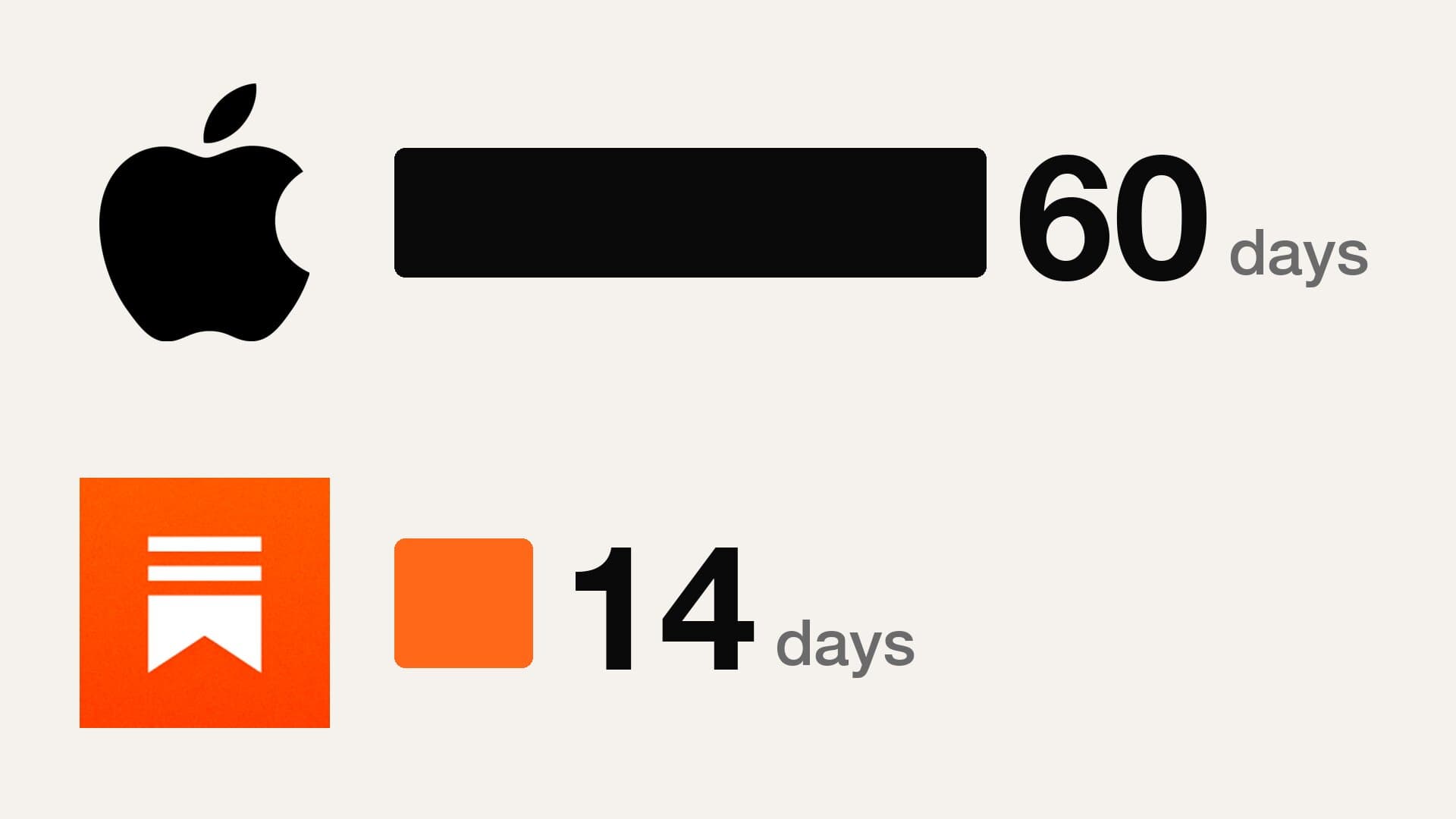
  • At least seven days. The guideline says "the subscription period must last at least seven days." Schedule 2 lists the periods App Store Connect allows: weekly, monthly, every two months, every three months, every six months, and annual.
  • Every device. A subscription "must be available across all of the user's devices" where the app is available.
  • No extra chores. Users should get what they paid for "without performing additional tasks, such as posting on social media, uploading contacts, checking in to the app a certain number of times." A creator app cannot make a paid feature depend on sharing a post.
  • Keep what people already bought. If you move an existing app to subscriptions, you "should not take away the primary functionality existing users have already paid for." Anyone who paid once for a full unlock keeps it.
  • Deliver the whole period. Schedule 2, section 3.8(c) says you must fulfill the offer "during the entire subscription period, as marketed," and authorizes Apple to refund the customer if you don't. Our guide to failed subscription payments covers the related grace period, which also counts as part of the period you promised.
The usual outcome is a rejection at App Review, after which the app has to be fixed and resubmitted. Guideline 2.1(b) requires in-app purchases to be "complete, up-to-date, visible to the reviewer and functional." For deliberate deception, Guideline 3.1.2(a) says apps that "trick users into purchasing a subscription under false pretenses" will be removed from the App Store, and the developer may be removed from the Apple Developer Program. A rejection costs time rather than money, but at launch time is exactly what you are short of. The deeper consequence is in the Developer Code of Conduct (Guideline 5.6), which says apps should never "trick them into making unwanted purchases" or "raise prices in a tricky manner." If you plan to change prices later, Apple's consent rules are their own subject; our guide to raising an app subscription price walks through them. If you have 50,000 or more engaged followers and you are about to put a subscription in front of them, three choices settle most of this before any screen is designed. Name the plan the way your audience talks about it. "Intrepid Pro" works for Apple's sample because it is short and on the button. For a creator, the plan name is often the thing the audience already calls your program. Rule 1 asks for a name, and a name people recognize also helps the paywall sell. Write the "what it includes" line as a count. Apple's own prompts are counts: issues per month, gigabytes of storage. "New workout every weekday" or "12 new recipes a month" meets rule 3 and answers the question a follower is really asking, which is what they get for paying instead of watching for free. Decide the trial before the layout. Rule 5 means the trial's length and the price after it are on the screen. Our free trial length guide covers which length to choose for which plan. Once it is chosen, the screen copy follows from it. If you want the broader picture of what a paywall does before you think about compliance, start with what a paywall is and how creator apps convert. Every update goes back through App Review, not just the launch build, and Apple's pages change too. On October 13, 2026, the "What's New" note at the top of the subscriptions page announced monthly subscriptions with a 12-month commitment, a new billing option to check against the billed-amount rule before using it. So the checklist above is a starting point, and it should be reread before each release. That ongoing work is part of what Built by Foundry does. We build the product with the creator at $0 upfront, and then keep running it, including paywall copy, pricing tests and every App Review submission after launch. You can read more about how Built by Foundry works.
See What We’d Build You →
Apple's subscriptions page requires "a way for current subscribers to sign in or restore purchases" on the sign-up screen, and Guideline 3.1.1 asks for "a restore mechanism for any restorable in-app purchases." Apple's StoreKit documentation suggests a Restore Purchases button as that mechanism. An account sign-in that restores access can also meet the requirement. Yes, as a secondary figure. Apple's subscriptions page allows "a breakdown price that the annual amount is equivalent to," but says it must sit "in a subordinate position and size to the annual price." The yearly amount that will actually be billed must be the most prominent price on the screen. Seven days. App Review Guideline 3.1.2(a) says an auto-renewable subscription period "must last at least seven days," and Schedule 2 of the Apple Developer Program License Agreement lists weekly as the shortest renewal period. Not necessarily. Apple provides a standard end-user license agreement that applies in all countries and regions. You still need to link to terms from inside the app and from your App Store metadata, and because the product page does not show a license link when you use the standard agreement, the simplest place to add it is the app description. Apple's subscriptions page says the purchase flow for a free trial must "clearly indicate how long the free trial lasts and the price billed once the free trial is over." Apple's Ocean Journal example shows "Start with a 1 month free trial." directly above "Subscribe for $4.99 / month." Sources verified October 13, 2026: Apple Developer, Auto-renewable Subscriptions (sign-up screen requirements, Billing amount, Free trials, and the Forest Explorer and Ocean Journal sample screens); App Review Guidelines (last updated June 8, 2026; Guidelines 2.1(b), 3.1.1, 3.1.2 and 5.6); Apple Developer Program License Agreement, Schedule 2, sections 3.8(a) to 3.8(c); App Store Connect Help, App information and Provide a custom license agreement; Apple Developer Documentation, AppStore.sync(); Apple's standard EULA. Apple updates these pages, and this guide is not legal advice. Current-state claims require revalidation before later use.
Our work

Creators who already did this

These are apps we designed, built, shipped, and still run today, with the creator keeping the code and the audience.

Liv Merima

Liv Merima

Founder & CEO of Claim It

Custom affirmations that help millions choose themselves.

Top Lifestyle App150K+ followers
Read the case study
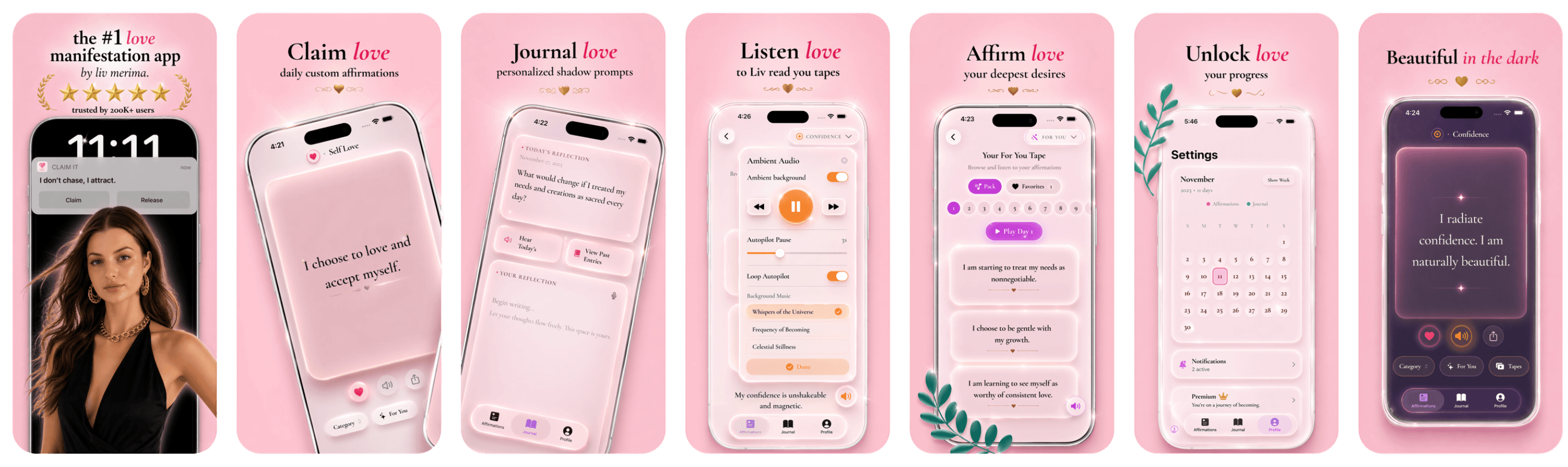
Claim It screenshots
Brandon Whiteleather

Brandon Whiteleather

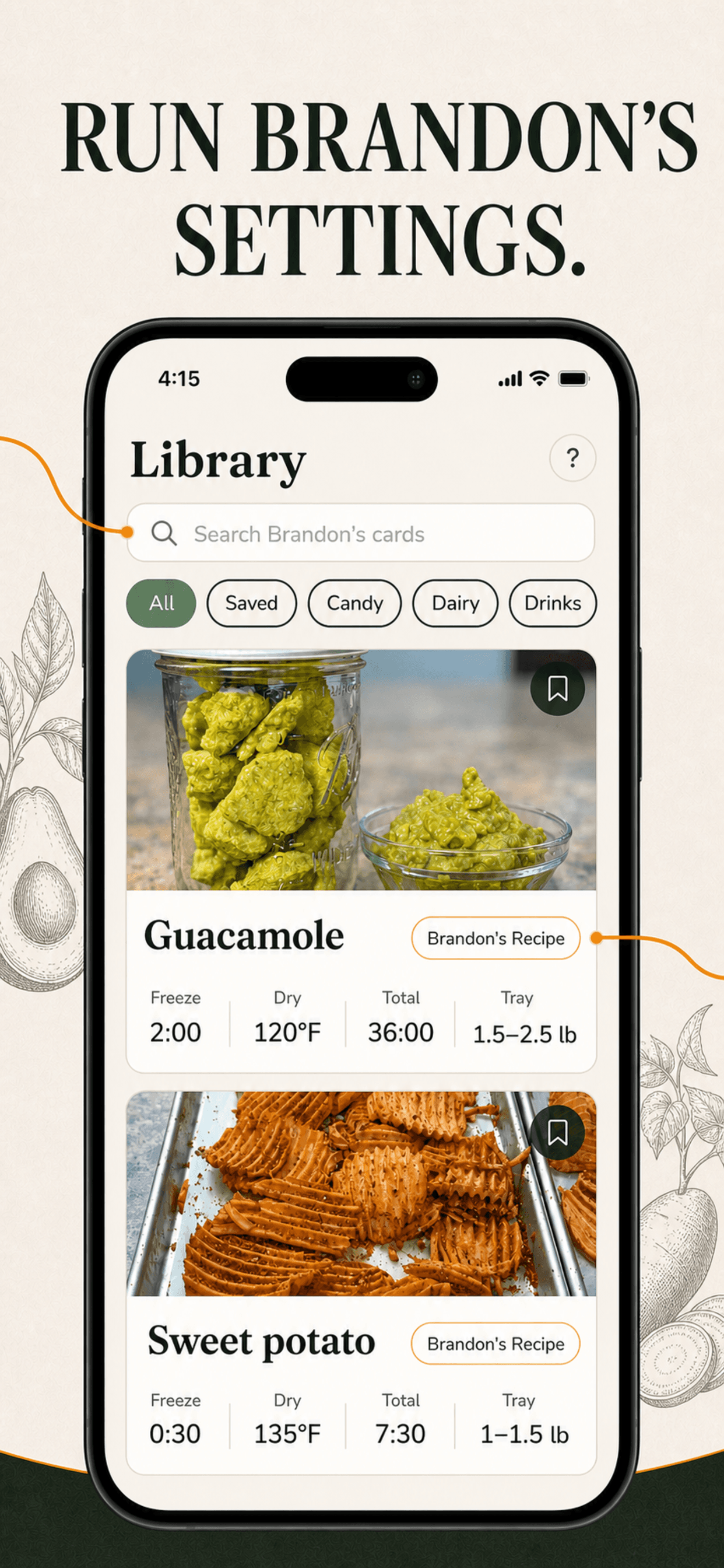
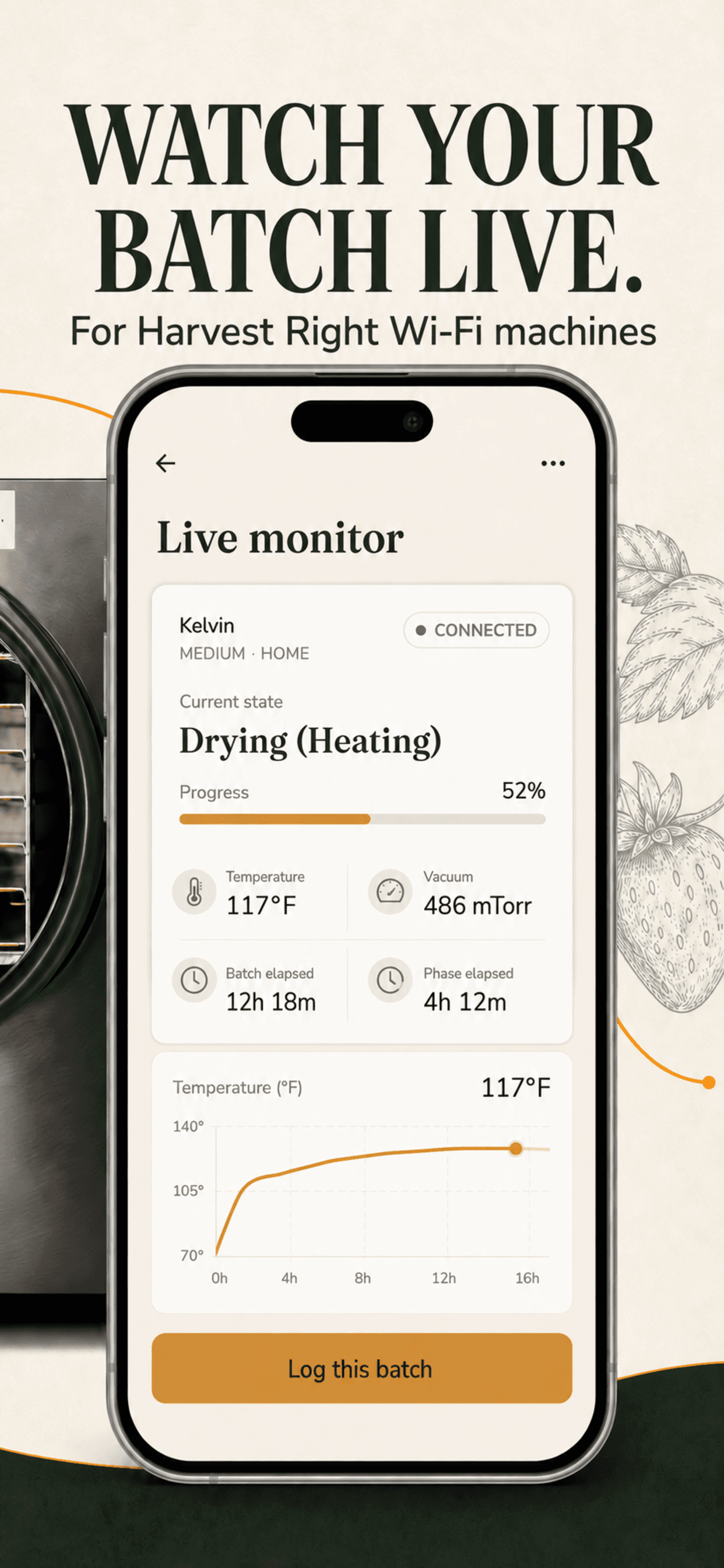
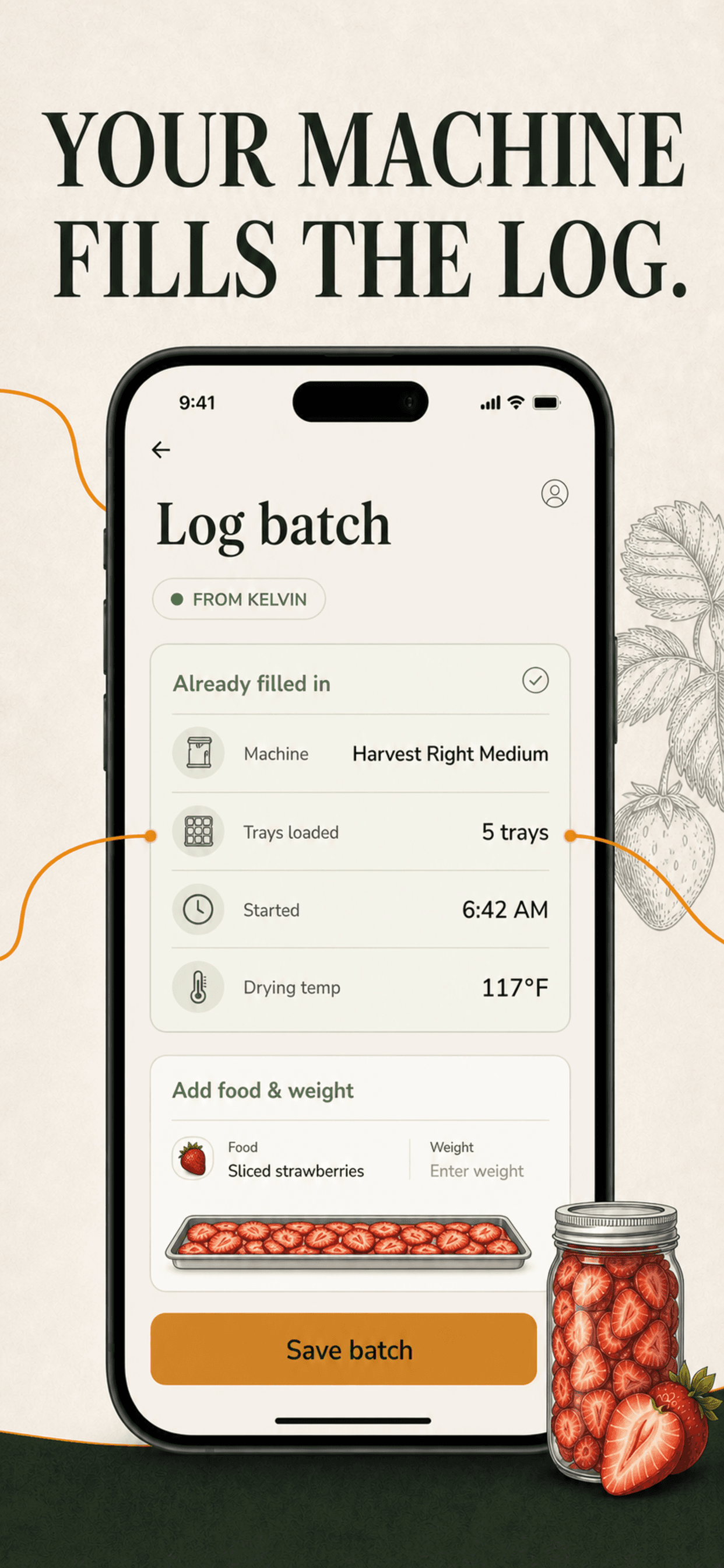
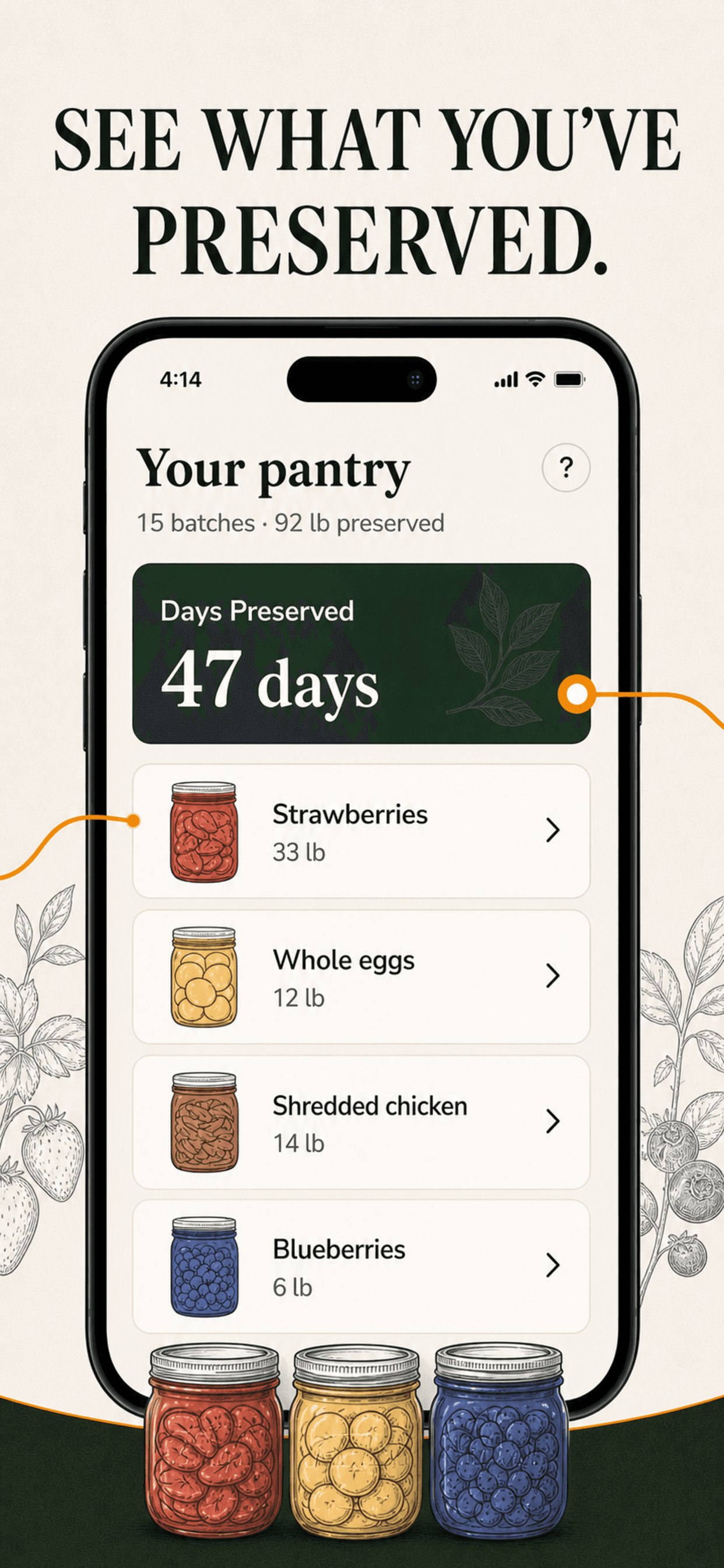
Founder & CEO of Freeze Dry Buddy

Freeze drying made foolproof, from a homesteader who's done it 1,000 times.

Top Food App1.4M+ followers
Read the case study
Kristen Donathan

Kristen Donathan

Founder & CEO of Stain Fix

Snap a stain. Get the fix in seconds.

Top Lifestyle App1.5M+ followers
Read the case study
Stain Fix screenshots

Creator app strategy

Curious what your app could be?

Enter your handle and BUILT BY FOUNDRY will research your audience and present custom app concepts. Free.

Apple's Subscription Paywall Rules in 2026: 7 Things Your Sign-Up Screen Must Show