

- A paywall is the conversion moment in any subscription app. It is where attention turns into MRR.
- Creator app paywalls typically convert 2 to 8% of installs into paying subscribers, depending on traffic source and offer design.
- Four main paywall types exist: hard, soft (freemium), free trial, and metered. Each fits a different audience.
- Free trial paywalls win for creators with warm audiences. Hard paywalls win for cold App Store traffic to a niche utility.
- A bad paywall costs more than a bad icon, a bad name, or a bad onboarding. It is the highest leverage screen in the entire app.
What is a paywall?
Why do creator app paywalls matter?
The four main paywall types
| Type | How It Works | Typical Install-to-Paid Rate | Best For |
|---|---|---|---|
| Hard paywall | Blocks the app behind a purchase screen at first launch | 1 to 5% | Niche utilities, cold App Store traffic |
| Free trial | 3 or 7 days of full access, then auto-renews | 2 to 8% | Creator apps with a warm, trusting audience |
| Soft paywall (freemium) | A free tier forever, premium features locked | 0.5 to 2% | Apps where free use creates word of mouth |
| Metered paywall | Free for N actions or days, then locks | 1 to 4% | Content apps, podcast apps, recipe apps |
Our work
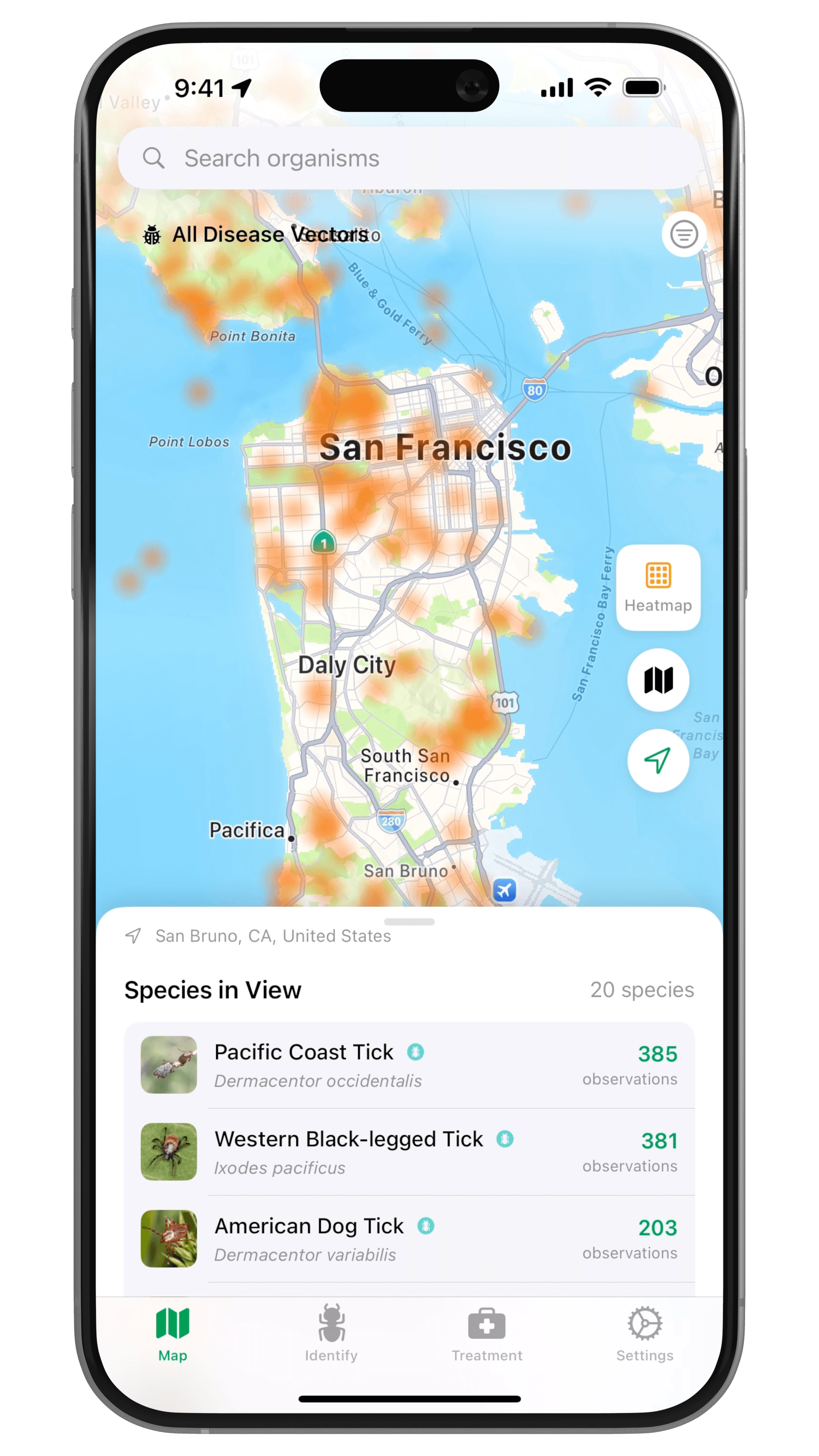
How Ellie Fausett Turned Her Public-Health Research Into the Vector Guard App
Epidemiologist Ellie Fausett and BUILT BY FOUNDRY turned years of field research into Vector Guard, an iOS app for identifying ticks and mosquitoes and staying safe outdoors.
Read the case study → (opens in a new tab)Which paywall type converts best?
Where the paywall appears in the user journey
- Onboarding paywall. The first paywall, shown after a short setup flow. This is where the highest-intent users convert. Most revenue comes from this screen.
- Feature paywall. Shown when a user taps a locked feature. Lower volume, but very high intent because the user just tried to do something specific.
- Hard reset paywall. Shown when a free trial ends or a session limit is hit. Captures users who would have churned silently.
- Win-back paywall. Shown to canceled subscribers with a discounted offer. The cheapest revenue in the app.
Live every Thursday
Watch us tear down a creator business, live
Every Thursday at 11 AM PT we take a real creator business and show the app hiding inside it: the wedge, the paid loop, the pricing, and what would sink it. Free, and the replay goes to everyone who registers.
Save your seat → (opens in a new tab)Mistakes that kill paywall revenue
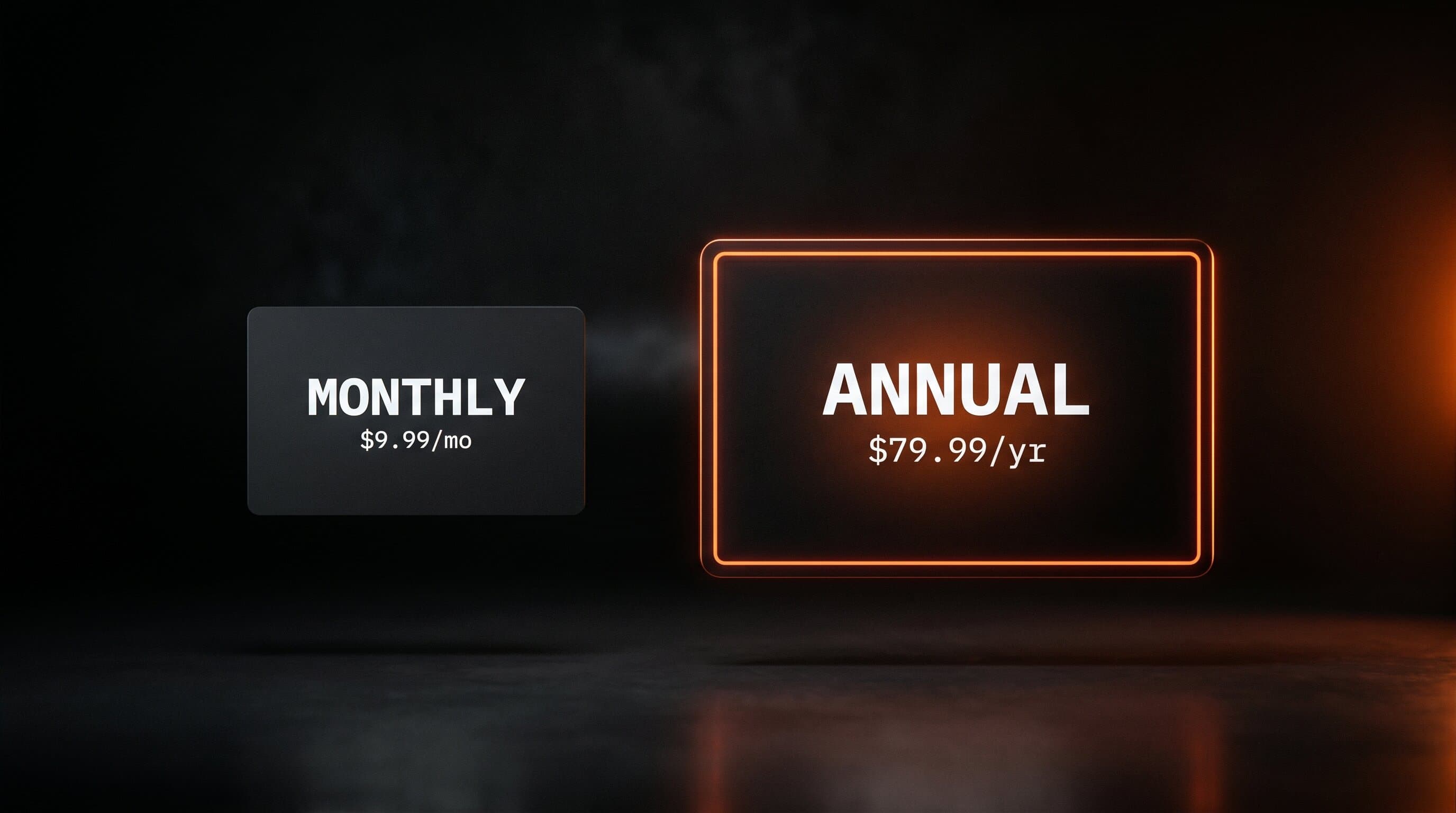
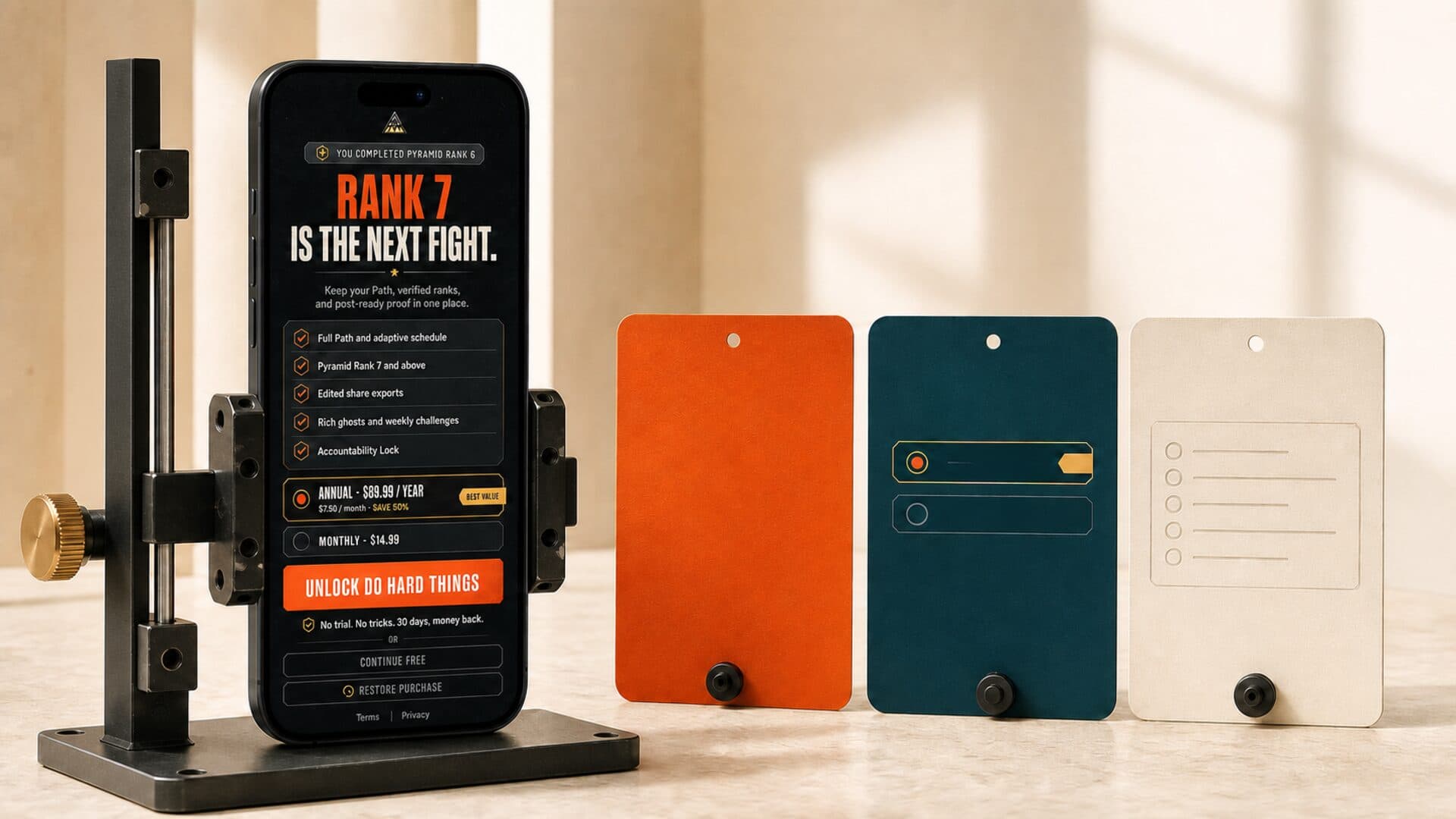
- Too many plans. Three plans is the ceiling. Four or more, conversion drops. Two plans (monthly + annual) is often the sweet spot.
- Hidden annual savings. If you do not say "Save 40%" next to the annual plan, fewer people pick it. Annual subscribers churn less and pay upfront, so this is the single most important callout.
- No social proof. A creator app paywall without a review screenshot, a "10,000 members" callout, or a quote is missing free conversion lift. The audience needs to see other people already inside.
- Vague benefit copy. "Unlock premium features" converts worse than "Daily workouts, meal plans, and your training plan, updated weekly." Tell them what they get.
- No restore purchases button. This is an Apple App Store requirement, and missing it can get the app rejected. It is also a trust signal.
Stop guessing at your paywall.
See What We’d Build You →
Why the paywall is the most important screen in your app
Frequently Asked Questions
What's the difference between a paywall and a pricing page?
Do all subscription apps need a paywall?
How much does a good paywall convert?
Can I change my paywall after launching?
Are creator app paywalls different from regular app paywalls?
Your paywall is the line between a fan and a customer. Most creators never draw it well.
See What We’d Build You →