
Turning Knowledge into Products

YouTube Dynamic Brand Segments: 5 Checks Before a Deal

November 2, 2026
Share
YouTube Dynamic Brand Segments: 5 Checks Before a Deal

Get Creator Revenue Insights

How creators are turning audiences into subscription businesses
Share
YouTube dynamic brand segments let invited creators add, replace, or remove a separate sponsorship clip inside long-form videos. A campaign can reach up to 20 videos with country targeting. Before selling one, check access, existing sponsorships, payment and usage rights, segment-level reporting, and approval. For a creator with useful tutorials still attracting viewers, this creates another way to sell that library. A holiday sponsor could buy a placement in work you have already made. You still need a buyer, an agreed price, and a campaign you can deliver. We checked YouTube's public documentation on November 2, 2026. This guide covers the published rules and a practical campaign checklist; it does not report results from running a pilot campaign. In this guide: A dynamic brand segment is a sponsorship video managed separately from the long-form video that carries it. YouTube's September 2025 announcement described replaceable slots that creators could sell again after a deal ends. Its September 2026 update confirms continued testing, placement across up to 20 videos, country targeting, and a shelf with a call-to-action button. That changes what you can offer an advertiser. Instead of quoting only for next week's upload, you can propose a relevant collection of existing work. For example, a cooking creator could shortlist evergreen knife-skills lessons for an equipment campaign. That is a proposed use, rather than evidence that every old video is valuable inventory. Start with the audience still watching those videos. A large lifetime view count alone tells a prospective sponsor little about the next campaign's likely delivery. Dynamic brand segments remain an invitation-only 2026 pilot for YouTube Partner Program creators. Check Studio under Earn, then Partnerships. The current setup requirements distinguish the host video from the sponsor clip:
AssetRequirements
Long-form videoAt least 8 minutes; monetization and mid-roll ads enabled
Brand segment30 seconds to 3 minutes; unlisted; monetization disabled; creator-led content
During the pilot, support primarily covers mobile apps and living-room devices, with desktop and mobile-web support rolling out gradually. Do not promise that every viewer will receive the placement. Before quoting, record the eligible videos, intended audience countries, and the devices on which you can verify delivery. If the feature is absent from your account, make access the first unresolved item in the proposal. An announcement about the feature does not establish your channel's access. Make a shortlist with one row per video. Beside its URL, note the subject, recent viewing activity, audience fit, existing sponsor, and proposed insertion point. Then watch that point in context. A segment that interrupts a safety instruction or the reveal of a finished project is a poor placement even when the video meets the technical requirements. Keep an alternate video ready for each important topic. If a rights question or an awkward edit removes your first choice, you can offer the buyer a specific substitute without rebuilding the entire proposal. Adding a dynamic segment does not automatically remove a sponsorship already embedded in the original video, according to the same YouTube setup guide. Review the actual video and its previous campaign agreement. Identify any promise to retain an integration, any exclusivity period, and any necessary agreement with the earlier partner. The ability to edit a file does not settle those business obligations. YouTube's trimming documentation says an edit can retain the URL, views, and comments. It also warns that saved Studio Editor changes can no longer be restored with its Revert to original feature. Keep your source file before saving an edit. Watch the result from beginning to end. Removing an old equipment demonstration from a cooking tutorial could leave a missing instruction, an unexplained reference, or a discount code spoken later in the video. Choose another video if the edit damages the lesson. Check the description and pinned comment during the same review. Your campaign handoff should identify which links and codes need changing, who will change them, and when. Save the approved version of the sponsor's message so a later revision can be compared with what the buyer actually signed off on. Google does not handle payment between the creator and advertiser for dynamic brand segments. Its advertiser documentation explicitly warns that cost-related campaign fields do not represent this commercial arrangement reliably. Agree on the fee and invoice terms directly. Write down the included videos, countries, campaign dates, revision allowance, and what happens if approval delays the start. Decide whether your price covers a fixed placement period or a defined delivery commitment. If you promise delivery, specify how it will be measured and what remedy you offer for a shortfall. Then separate placement from paid advertising. YouTube's Brand Partner Access guidance says access can enable performance sharing and creator partnerships boost. It tells creators to arrange usage rights independently. Ask the sponsor to specify whether it intends to run the segment as an ad, for how long, and under which agreement. Give production work its own line in your estimate. Reusing a tutorial still requires writing and recording the endorsement, checking claims, managing feedback, and reporting delivery. Decide how many revisions your fee includes and who pays if a product offer changes after recording. This makes the renewal conversation easier: both sides can see what can be reused and what requires new work. YouTube also requires creators to declare paid promotion. Check the disclosure on the finished campaign, and use our sponsorship disclosure guide for the wider disclosure questions. A main-video view and a brand-segment view are different measurements. Google Ads explains that someone can watch the main video and fast-forward through the segment, producing a main-video view without a segment view. Its reporting guidance also says Brand Lift and third-party measurement are unsupported for this format. Build your proposal around the metric you can report. Ask the buyer whether the goal is segment exposure, qualified traffic, or purchases. Agree on the reporting window and distinguish organic delivery from any separately funded advertising. For a hypothetical gardening campaign, a tutorial might have a strong audience while the sponsor's shop serves only one country. Use the relevant recent audience to estimate an opportunity, then label the estimate. Do not present the tutorial's lifetime global views as promised campaign reach. If you are a cooking, gardening, or craft creator whose older lessons still attract questions, shortlist a small, coherent group first. Check topic fit and current demand before offering the maximum number of placements. A buyer should be able to explain why its product belongs beside each lesson. Prepare the reporting sheet before launch:
RecordWhat to establish with the sponsor
PlacementThe exact video URLs, segment, and campaign dates
DeliveryThe agreed segment metric, reporting window, and eligible countries
Paid amplificationWhether a separate advertising campaign is included in the report
Buyer responseThe destination link and how the buyer will share any attributed results
SettlementThe fee, invoice status, and any agreed adjustment
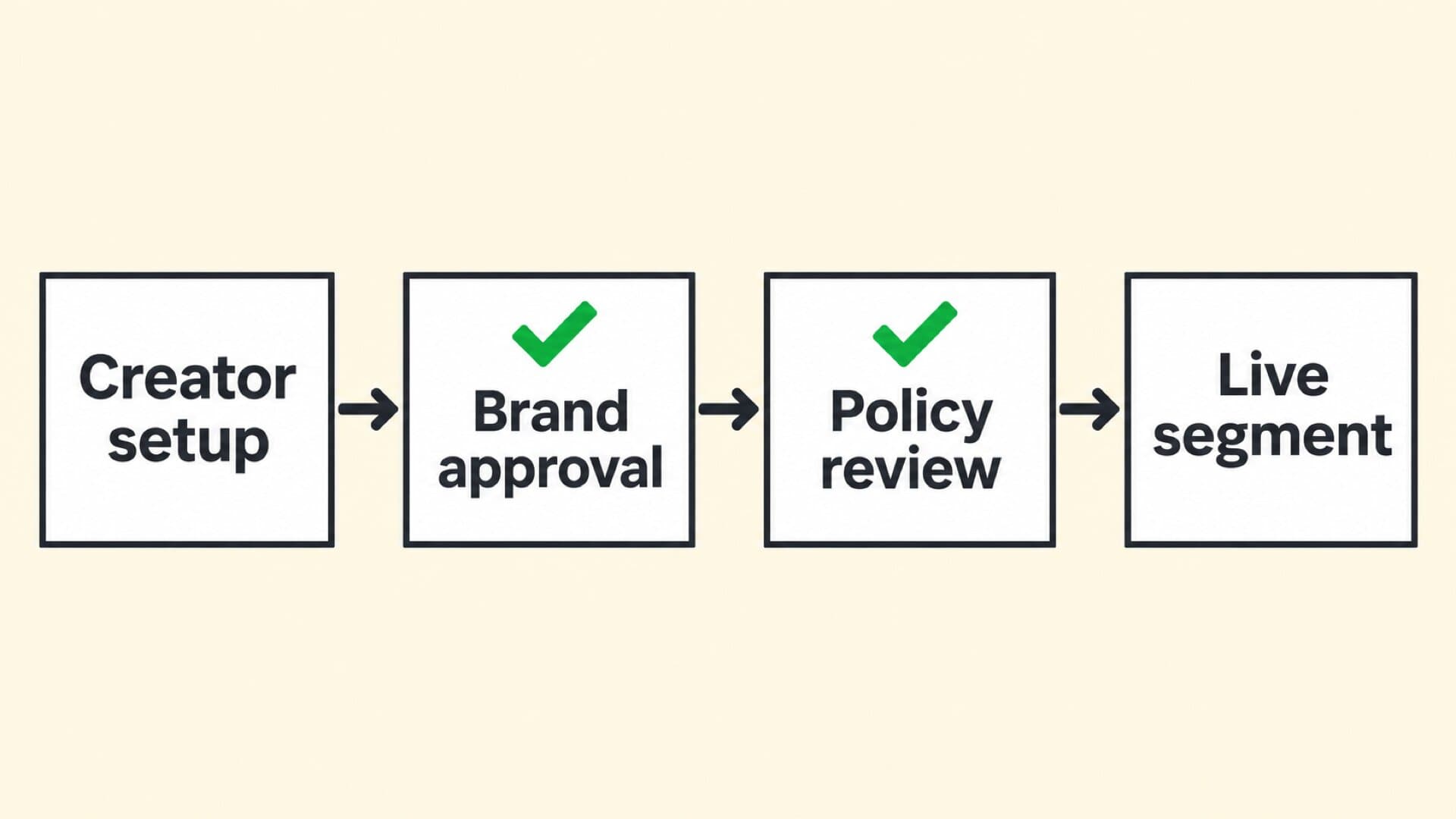
Use the same definitions in the proposal and final report. If a sponsor asks about sales, ask for its attributed order data and the attribution window before explaining a result. A segment-view total alone cannot tell you how many people bought. Preserve any gap in the evidence when you discuss renewal; a campaign can deliver exposure while its sales contribution remains unresolved. The setup flow lets you choose slots, preview placement, and submit partnership details. Brand acceptance and policy review precede the scheduled start. YouTube says the policy review typically takes 24 hours after brand acceptance. See its approval process.
Approval sequence: Creator setup, Brand approval, Policy review, Live segment
Google's advertiser implementation instructions also require the main video to be public before an approved segment can run. Leave time to resolve rejection or missing acceptance before a holiday deadline. Once live, verify the intended video, country, segment, link, and destination. Save a delivery record and the agreed reports. At the campaign's end, reconcile the invoice, confirm the placement has ended, and review any separate advertising permissions. Give the sponsor a clear renewal decision rather than letting an old arrangement drift. For a small creator team, assign these jobs explicitly. One person should own launch verification, another named contact should approve the final report, and someone must follow up on payment. The same person can fill all three roles. The useful part is having a due date and an owner for each obligation after the recording is finished. Our Kris Collins profile examines the business choice between selling a show's attention to sponsors and selling a product to fans. Use that distinction when deciding where a successful campaign's earnings should go next. If your next step is selling your own product, our YouTube Shopping guide covers the store connection and checkout questions. Sponsorship inventory and a customer business need different operating plans. Built by Foundry builds, launches, and runs creator-owned businesses, with $0 upfront and a share of the revenue. The creator and advertiser arrange payment directly. Google says it does not handle that payment, so agree on the fee, invoice, and payment date with the buyer. No. Brand Partner Access supplies platform permissions. YouTube advises creators to agree on video usage rights independently. Establish the advertiser's intended use before sharing access. YouTube says saved Studio Editor changes cannot be undone through Revert to original, a change effective from June 2025. Keep your original file and preview the edit before saving.
Our work

Creators who already did this

These are apps we designed, built, shipped, and still run today, with the creator keeping the code and the audience.

Liv Merima

Liv Merima

Founder & CEO of Claim It

Custom affirmations that help millions choose themselves.

Top Lifestyle App150K+ followers
Read the case study
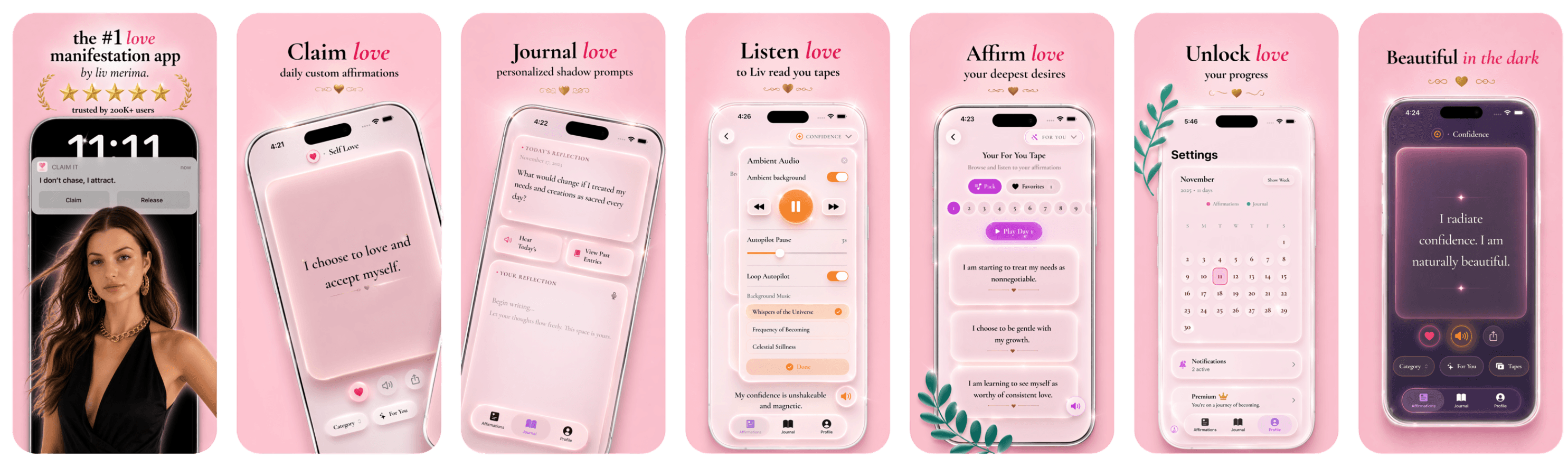
Claim It screenshots
Brandon Whiteleather

Brandon Whiteleather

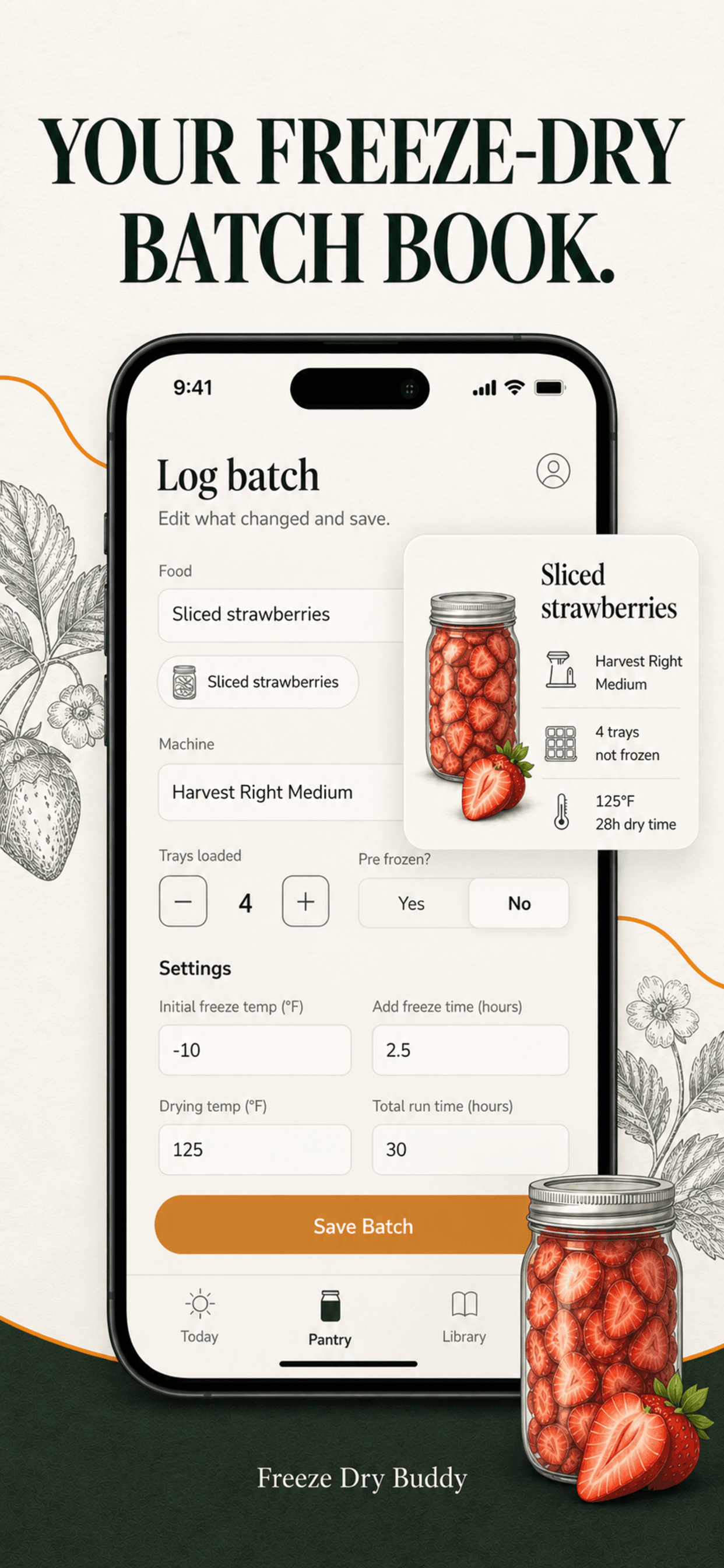
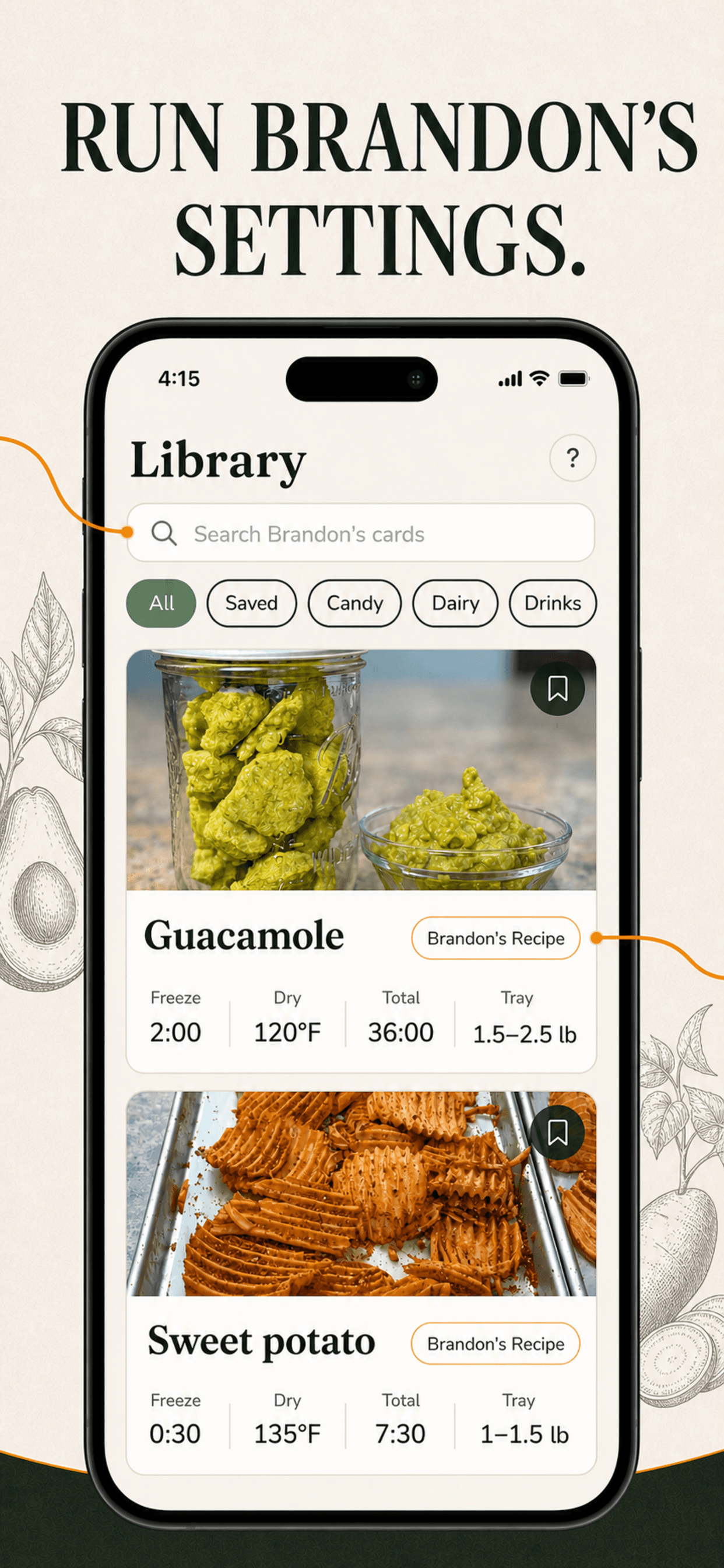
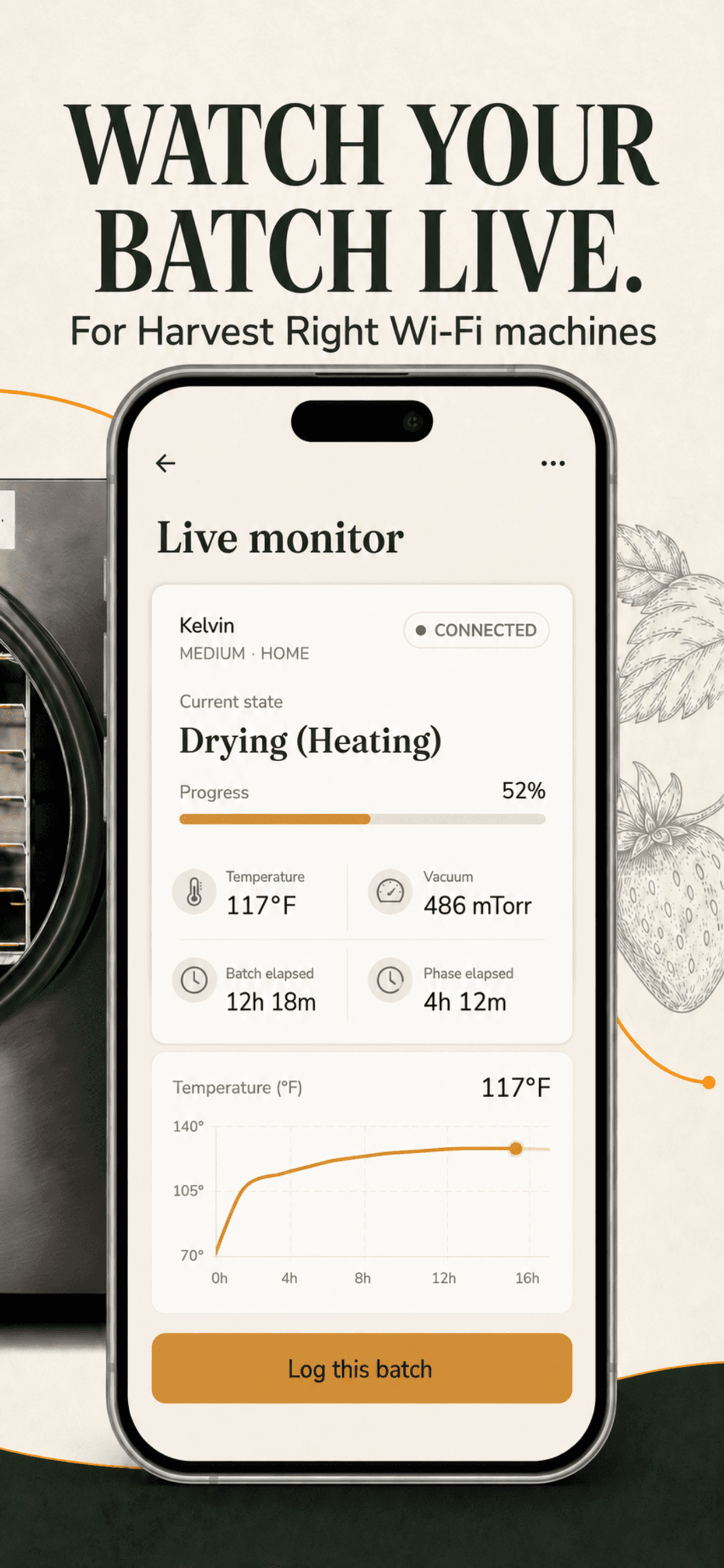
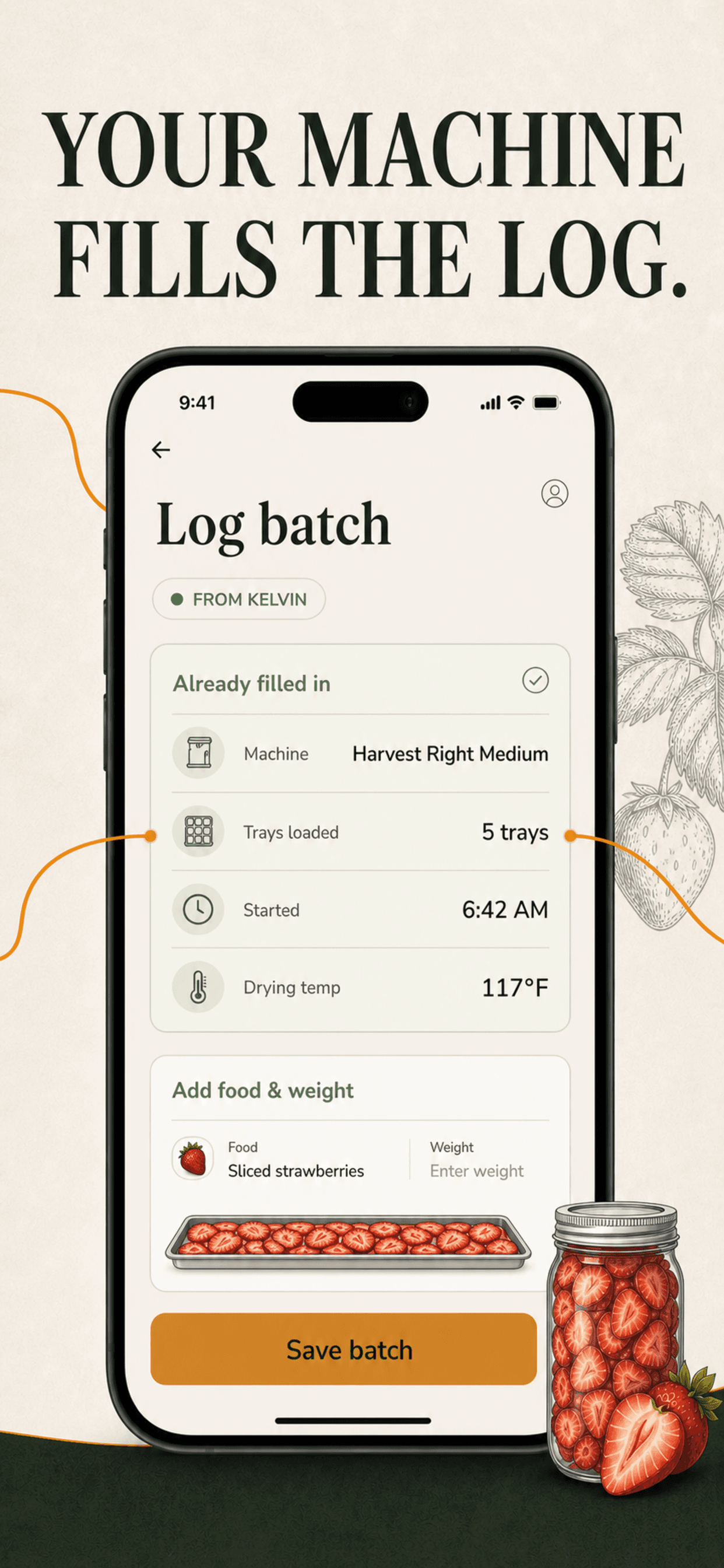
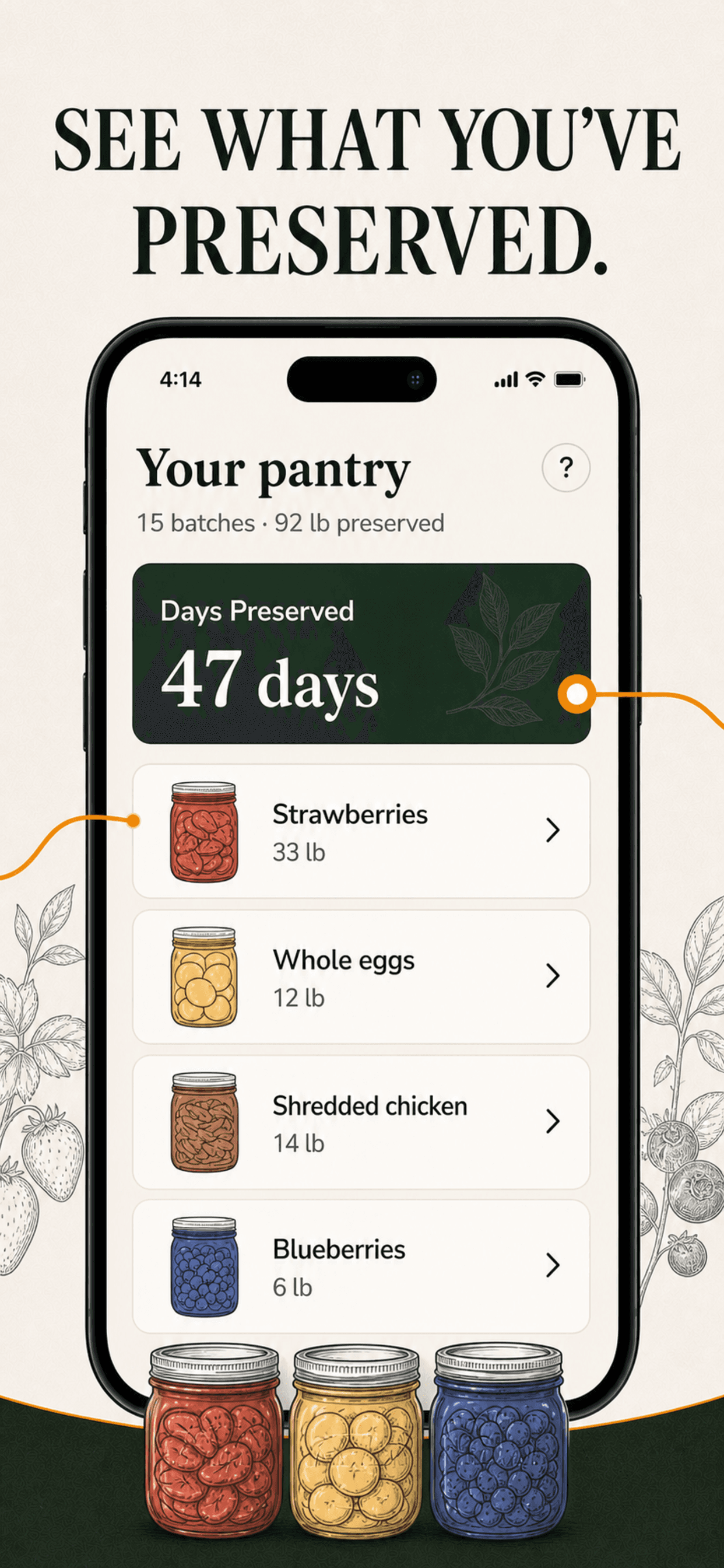
Founder & CEO of Freeze Dry Buddy

Freeze drying made foolproof, from a homesteader who's done it 1,000 times.

Top Food App1.4M+ followers
Read the case study
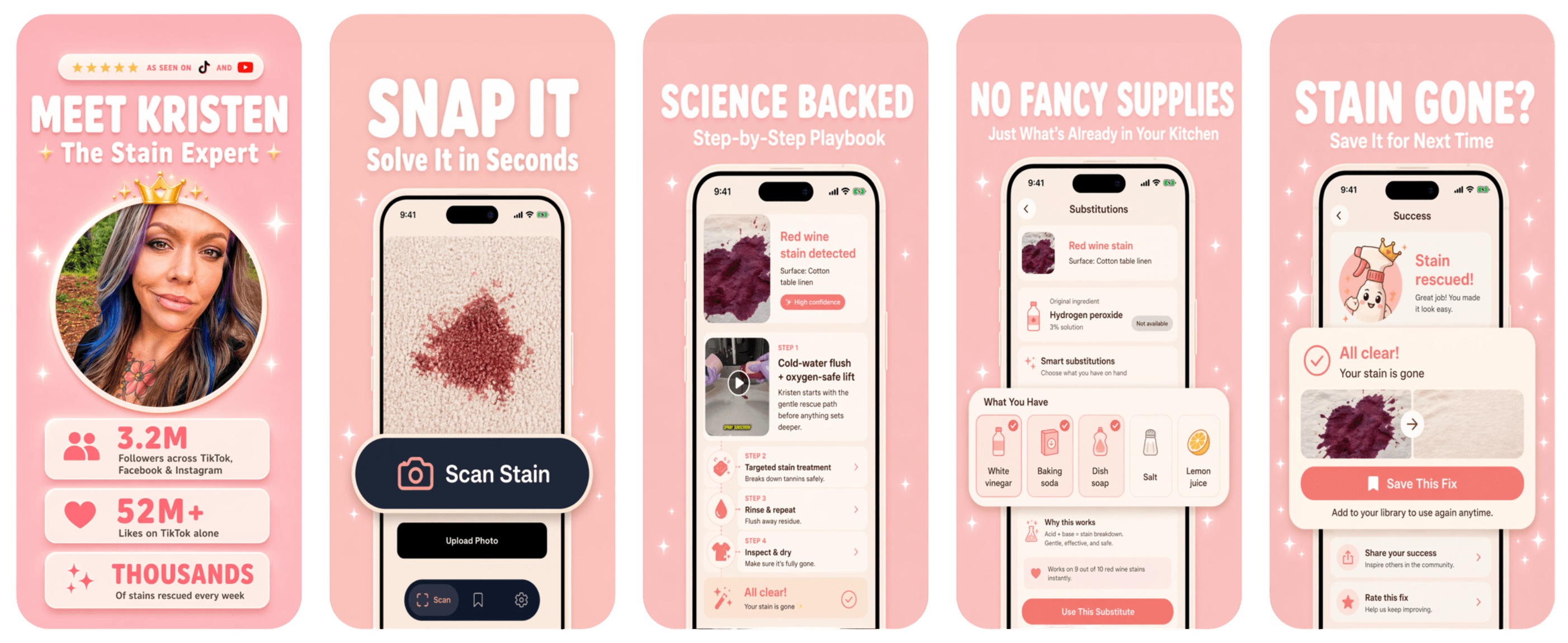
Kristen Donathan

Kristen Donathan

Founder & CEO of Stain Fix

Snap a stain. Get the fix in seconds.

Top Lifestyle App1.5M+ followers
Read the case study
Stain Fix screenshots

Creator app strategy

Curious what your app could be?

Enter your handle and BUILT BY FOUNDRY will research your audience and present custom app concepts. Free.

YouTube Dynamic Brand Segments: 5 Checks Before a Deal