
Product Development

Trainerize vs Everfit: 7 Costs Fitness Creators Pay

August 6, 2026
Share
Trainerize vs Everfit: 7 Costs Fitness Creators Pay

Get Creator Revenue Insights

How creators are turning audiences into subscription businesses
Share
Looking for a Trainerize vs Everfit comparison? Both platforms can deliver workouts, habits, nutrition guidance, messages, and progress tracking. Everfit is the better value for a growing online coach. Trainerize has the stronger path to challenges, wearables, and a separate App Store listing at a public price. Neither becomes unique software just because it carries your colors. The verdict: Choose Everfit when you want to coach up to 50 clients with a capable, lower-cost system. Choose Trainerize when its challenge tools, integrations, or Studio app-store package match your model. If thousands of followers need a self-serve product built around your method, compare both against an owned app before moving your audience in. This comparison uses the platforms' public U.S. monthly prices as of August 6, 2026. Annual billing lowers both totals, but monthly rates make the tier changes easier to compare.
DecisionABC TrainerizeEverfit
Free plan1 coaching client5 clients
Entry paid plan$10/month for 2 clients$19/month for 5 clients
50-client plan$135/month$95/month
Payments add-on$10/month plus Stripe fees$9/month plus processing fees
Standard branding$169 one-time Pro add-onIncluded with Pro
Separate iOS App Store listingStudio, from $275/month for 500 clientsEnterprise, contact sales, requires at least Studio with 500 clients
Best fitCoaches who want integrations, challenges, and a priced Studio pathCoaches who want more seats and built-in tools per dollar
The important distinction is not the $40 gap at 50 clients. It is what each price buys. Both platforms are coaching operating systems. A creator product is built for many customers to use without waiting for the creator to assign every plan or answer every check-in. Everfit costs less at the same 50-client capacity, while ABC Trainerize publishes a lower starting price and a clearer public price for a separate branded app listing. ABC Trainerize's live pricing page lists a free plan for one client, Grow at $10 per month for two clients, Pro from $25 for five, and Pro at $135 for 50. Studio begins at $275 per month for up to 500 members. Annual billing saves 10%. Everfit's live pricing page gives coaches five clients free. Pro costs $19 per month for five clients and $95 for 50. Studio starts at $105 per month for 50 clients and reaches $430 for 500. Annual billing brings those examples down to $16, $79, $88, and $358 per month respectively. At 50 active clients, Everfit Pro saves $40 per month, or $480 per year, against Trainerize Pro. That is a real advantage for an online coach. It is not enough to decide the platform for a creator with a large audience, because the seat count, app listing, payments, and add-ons can change the result.
  • Active client seats. Everfit starts with five free seats and stays cheaper at 50. Trainerize starts with one free seat, but its paid tiers include unlimited Basic clients who can buy and book without using coaching features. Count the people who need programming, tracking, and messages, not your whole email list.
  • Payments. Trainerize charges $10 per month for its Stripe Integrated Payments add-on on Grow and Pro. Everfit charges $9 per month for Payments and Packages. Everfit's current U.S. processing rate is 3.15% plus $0.30 for a domestic card and 4.65% plus $0.30 for an international card. A creator collecting $20,000 a month from U.S. cards would pay $630 plus 30 cents per transaction before the $9 add-on.
  • Nutrition. Basic tracking is available on both. Trainerize's advanced meal-planning add-on costs $20 per month on smaller plans and $45 on Pro 30 through Pro 200. Everfit's meal plans and recipe books add-on costs $39 monthly. Do not pay for a recipe database if your promise is strength programming. Do not call macro logging a nutrition product if food is the result customers buy.
  • Video and on-demand content. Trainerize's Video Coaching add-on costs $10 per month, while its Business add-on adds scheduling, referrals, sales, and on-demand coaching for $25. Everfit's On-Demand Collections starts at $25 per month and is included with Studio. A video vault raises perceived volume. It does not create daily behavior by itself.
  • Automation. Everfit Autoflow starts at $29 per month for the first 30 participating clients, then increases with usage. Trainerize includes automated program delivery on paid plans, while sales automation sits with paid add-ons. Price the workflow you will run every week, not the demo full of features you may touch once.
  • Branding. Everfit includes logo, colors, workout backgrounds, and invitation branding on Pro and Studio. Its advanced branding add-on is a one-time $75. Trainerize sells its Pro branded experience for a one-time $169 fee. Both can make the shared product feel more like yours after sign-in.
  • A separate App Store product. This is the cost most creators miss. Trainerize Pro does not create a unique iOS listing. Its own branded-app documentation says clients still download the main ABC Trainerize app, then see your branding after signing in. A separate iOS and Google Play listing begins at Studio. Everfit reserves its white-label listing for Enterprise, which has custom pricing and requires at least the 500-client Studio plan.
Seven steel cost plates held by a Built by Foundry rack between the Trainerize and Everfit marks
Trainerize is strong when coaching means assigning programs, connecting wearables, running groups, and creating public competitions. Its current Pro plan includes leaderboard and threshold challenges, and it connects with Apple Health, Apple Watch, Garmin, Fitbit, MyFitnessPal, and Withings. Those tools can turn member progress into proof the creator can share, with permission. Everfit puts more of the growing coach's stack into the core Pro plan. Forms, food journals, habits, community forums, saved responses, custom branding, advanced program building, and team management are included. Its Studio tier adds group chat, broadcasts, workout collections, on-demand programs, and asset-upload support. Both can turn a one-to-one coaching service into a more organized recurring offer. Our six-step guide to turning coaching into an app explains the transition. The platforms still assume a coach creates or assigns the experience. That works at 30 clients. It becomes the constraint at 3,000 customers. Stain Fix by Kristen Donathan
Our work

How Kristen Donathan Turned Stain-Removal Content Into Stain Fix

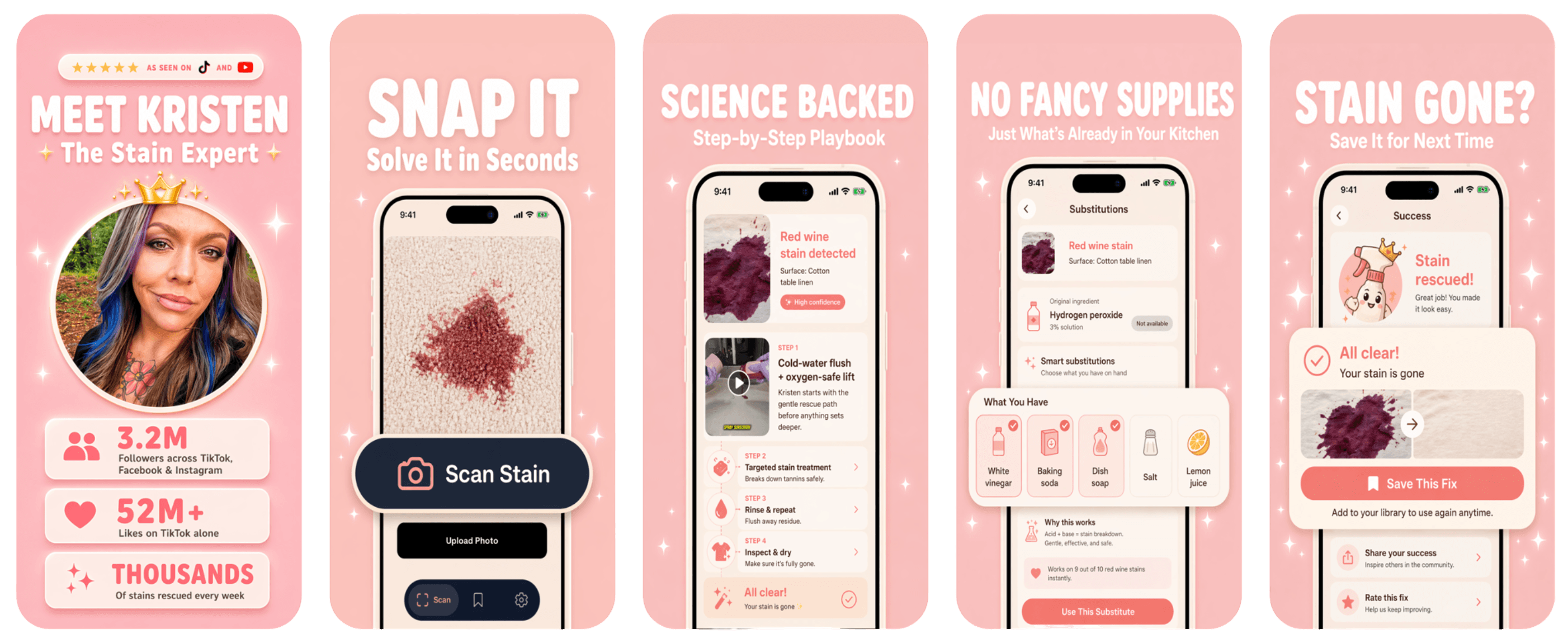
Kristen Donathan gets the same stain questions on repeat. So she and Built by Foundry made Stain Fix: photograph the spill, get her step-by-step plan for that exact surface.

Read the case study → (opens in a new tab)
Yes, but entry-level custom branding and a separate App Store listing are not the same product. Trainerize Pro applies branding inside its shared iOS app and offers a distinct Google Play listing. Trainerize Studio publishes under the creator's own Apple Developer account and includes separate iOS and Google Play listings. Its setup guide estimates four to six business weeks and requires a registered entity, business website, D-U-N-S number, and Apple's $99 annual developer membership. Everfit Pro and Studio can apply your logo, color theme, splash screen, and workout backgrounds inside Everfit's client app. Everfit says a separate white-label Apple and Google listing is an Enterprise feature. The creator supplies developer accounts, business documentation, branding, and proof of ownership. That distinction controls acquisition. A shared app can serve customers you already won. A product listed under your brand can be found by someone who has never followed you. Read why fitness creators dominate the app economy before treating the icon as decoration.
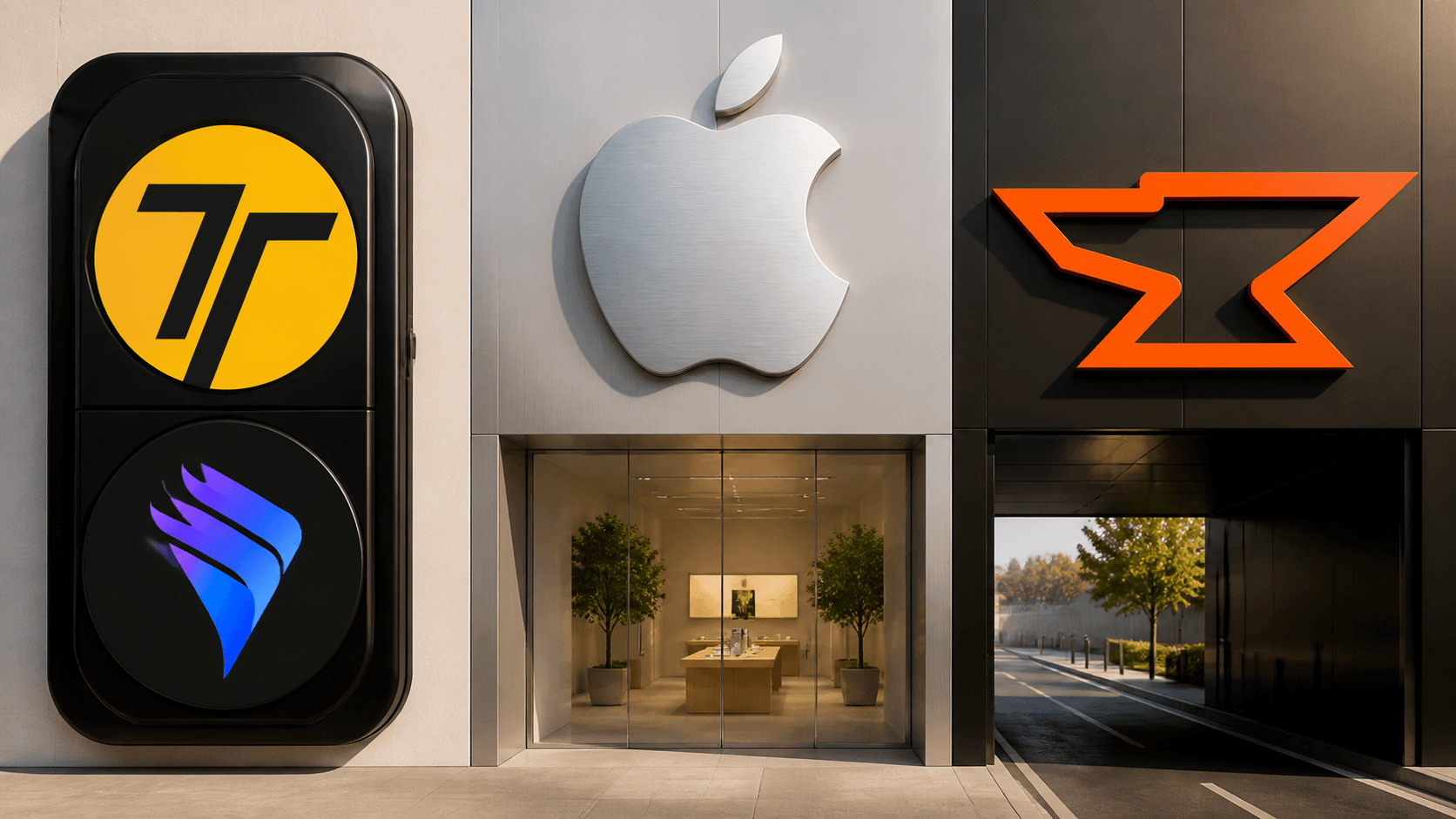
Trainerize and Everfit badges sharing one device shell beside separate Apple and Built by Foundry product lanes
Everfit fits coaches optimizing service delivery, Trainerize fits coaches who value fitness integrations and challenges, and an owned app fits creators turning one method into a scalable software business. Choose Everfit if you have 5 to 100 active coaching clients, want forms and branding included, and care more about coaching efficiency than an independent store listing. Its pricing leaves room to test your offer before committing to a larger platform bill. Choose Trainerize if challenges, connected fitness data, group programming, or the publicly priced Studio path matter more than the seat savings. It is especially credible for a gym or hybrid coaching business whose members already know where to download the app. Choose neither as the final product if your advantage is a unique mechanism. Adaptive workout generation, camera-based form feedback, niche scoring, public competitions, or a shareable challenge loop cannot be reduced to a logo swap. The recent spread of participation-first fitness formats is a reminder: usage can become the content. Our guide to running a paid challenge inside a creator app shows what that loop requires.
Live every Thursday

Watch us tear down a creator business, live

Every Thursday at 11 AM PT we take a real creator business and show the app hiding inside it: the wedge, the paid loop, the pricing, and what would sink it. Free, and the replay goes to everyone who registers.

Save your seat → (opens in a new tab)
You can export customer information and content, but the product behavior remains with the platform. If you cancel Trainerize, its pricing FAQ says recurring payment products stop renewing, clients above the free limit deactivate, and the custom branded app is disabled. Everfit's workouts, automations, community, and branded interface also depend on an active platform account. That is reasonable when software is an expense inside a coaching business. It is dangerous when software is supposed to become the business. Built by Foundry builds, launches, and runs custom creator apps in about three weeks for $0 upfront. The creator owns the business and revenue. Built by Foundry earns on revenue share, then keeps improving onboarding, retention, monetization, and product behavior through App Care. Trainerize helps a coach deliver more coaching. Everfit helps a coach manage more clients. An owned product lets a creator serve people without turning every new customer into another assignment. Yes at common coaching tiers. Everfit Pro costs $95 per month for 50 clients, while Trainerize Pro costs $135 per month for 50. Trainerize starts lower at $10 per month for two clients, while Everfit starts at $19 for five. Both have free plans. Trainerize Pro gives you a branded experience, a custom icon after iOS sign-in, and a separate Google Play listing. A separate iOS listing under your Apple Developer account begins with Studio. Yes. Standard branding is included with Pro and Studio, but a separate Apple and Google app listing is an Enterprise feature with custom pricing. Everfit says the white-label route requires at least Studio with 500 clients. Use Everfit or Trainerize if the offer is still hands-on coaching for a limited roster. Build an owned app if the goal is a self-serve subscription for thousands of fans, a unique feature set, and App Store acquisition beyond the existing audience.

Creator app strategy

Curious what your app could be?

Enter your handle and Built by Foundry will research your audience and present custom app concepts. Free.

Trainerize vs Everfit: 7 Costs Fitness Creators Pay